Attributes are the small facts Google collects about your business: whether you offer curbside pickup, have a wheelchair-accessible entrance, accept Apple Pay, serve vegetarian options, or identify as women-owned. They look cosmetic. They are not.
In 2026 attributes power the filters customers use in Maps and Search, feed the qualifiers AI Overviews cite when comparing nearby businesses, and quietly decide whether your profile even appears when someone searches with a specific need.
The four attribute groups that matter
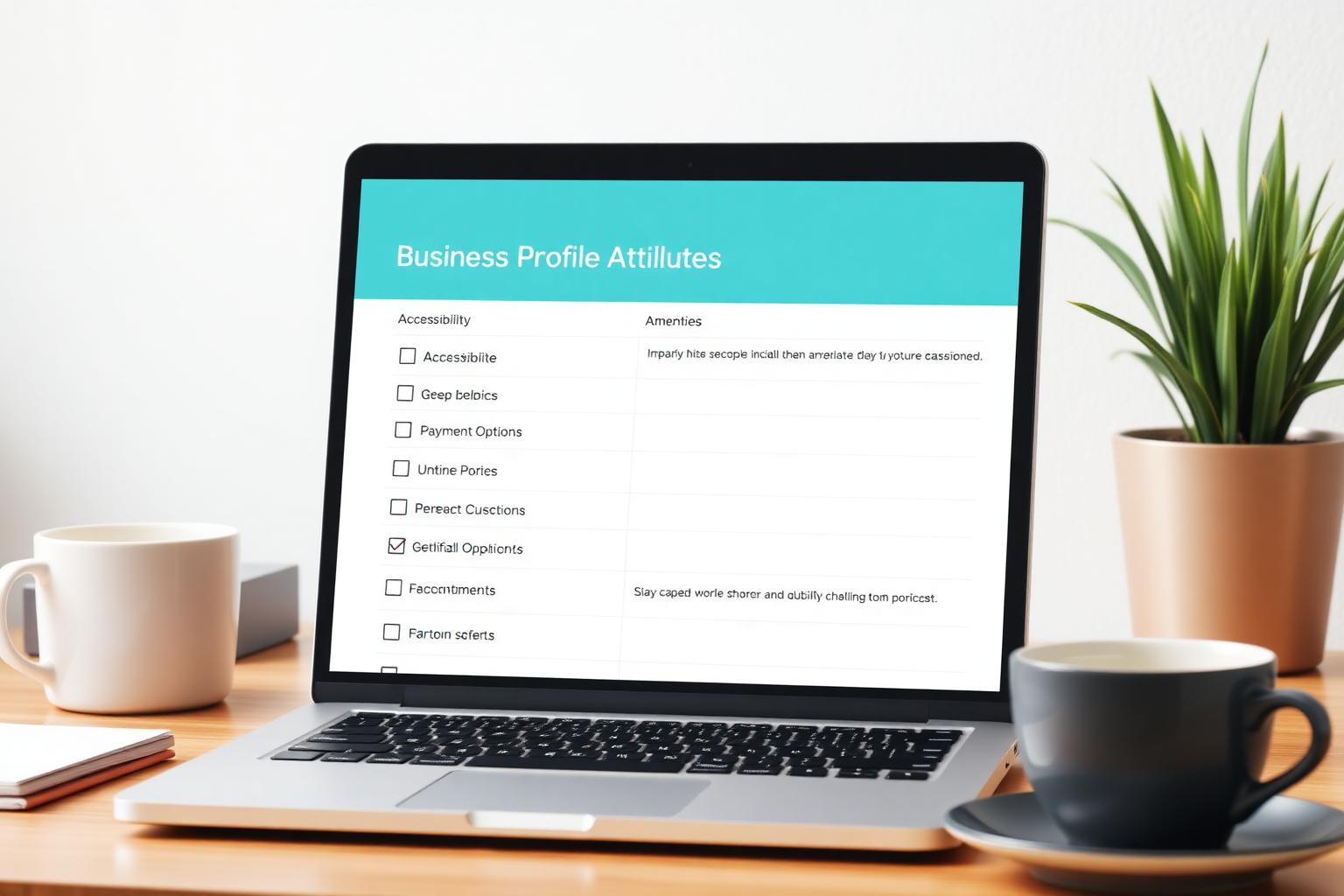
- **Accessibility:** wheelchair-accessible entrance, parking, restroom, seating, and elevator. These trigger the accessibility filter in Maps.
- **Amenities:** free Wi-Fi, restrooms, outdoor seating, gender-neutral restrooms, high chairs, and similar comfort features.
- **Payments:** credit cards, debit, mobile payments (Apple Pay, Google Pay), NFC, checks, and cash-only.
- **Service options:** dine-in, takeout, delivery, curbside pickup, in-store shopping, in-store pickup, same-day delivery, and appointment required.
How to audit your current attributes
- Open your Business Profile directly on Google Search by searching for your business name while signed in as the owner.
- Open the edit profile panel and scroll through every attribute group. Do not skip groups that look irrelevant.
- For each attribute, ask: is this true today, is it verifiable on-site, and would a customer notice if it were wrong.
- Turn off attributes you cannot back up. A missing attribute is safer than an inaccurate one that generates a bad first visit.
- Add any attribute that is true but currently unset. Most profiles are missing 5-15 attributes that would qualify them for extra filters.
Attributes that punch above their weight

- **Wheelchair-accessible entrance and restroom.** Directly powers the accessibility filter and is one of the most-used qualifiers in urban searches.
- **Curbside pickup and same-day delivery.** Surfaces the profile in convenience-driven filters and in local pack results for time-sensitive queries.
- **Mobile payments and contactless.** Increasingly used by customers who filter for frictionless checkout, especially in food and retail.
- **Outdoor seating, free Wi-Fi, good for groups.** High-signal amenities for restaurants, cafes, and coworking-adjacent businesses.
- **Appointment required vs. walk-ins welcome.** Sets the right expectation before the click and reduces no-shows and negative reviews.
5 mistakes that quietly cost you filtered traffic
- **Leaving attributes blank because the section looks optional.** Blank attribute groups exclude you from every filter that uses them.
- **Enabling attributes you cannot deliver.** A wheelchair-accessible claim that is not true is both a policy risk and a reputation risk.
- **Copying the same attribute set across every location.** Attributes must reflect each individual site, not the brand.
- **Setting once and never revisiting.** Amenities, payments, and service options change. An outdated attribute set slowly loses filtered impressions.
- **Ignoring seasonal service options.** Curbside, outdoor seating, and delivery windows often shift by season and should be updated with the calendar.
A quarterly attribute checklist
- Walk the location and compare what a customer actually experiences against every enabled attribute.
- Add attributes that became true since the last audit: new payment methods, new service options, new amenities.
- Remove attributes that no longer apply, especially seasonal ones like outdoor seating in winter.
- For multi-location brands, audit each location individually rather than copying from the flagship.
- Cross-check your top three local competitors and note attributes they claim that you have not enabled.
Frequently asked
Q.Do attributes affect Google Business Profile rankings?
Not as a direct ranking factor for generic queries. They do decide whether you appear at all when a searcher uses a filter or asks a filtered question in AI Overviews, which functionally moves ranked traffic.
Q.How often should I update attributes?
Do a full audit quarterly, and update immediately whenever a service option, payment method, or amenity changes at the physical location.
Q.Can I add custom attributes?
No. You can only pick from the attributes Google shows for your primary category. Changing category can unlock or hide entire attribute groups.
Q.Why are some attributes missing from my profile?
The attribute list is driven by your primary category and country. Restaurants, retailers, clinics, and professional services each see different sets. A missing option usually means you have not selected the right primary category.
Q.Do identity attributes help or hurt my visibility?
They are additive: they add a badge and can qualify you for identity-based collections and filters. They should only be enabled when they truthfully describe the ownership of the business.
Attributes are one of the highest-leverage, lowest-effort updates you can make in Google Business Profile. Treat them as a live map of what the business actually offers, keep them honest, and revisit them every quarter. That is how attributes move you from generic listings into the filtered results customers actually pick from.