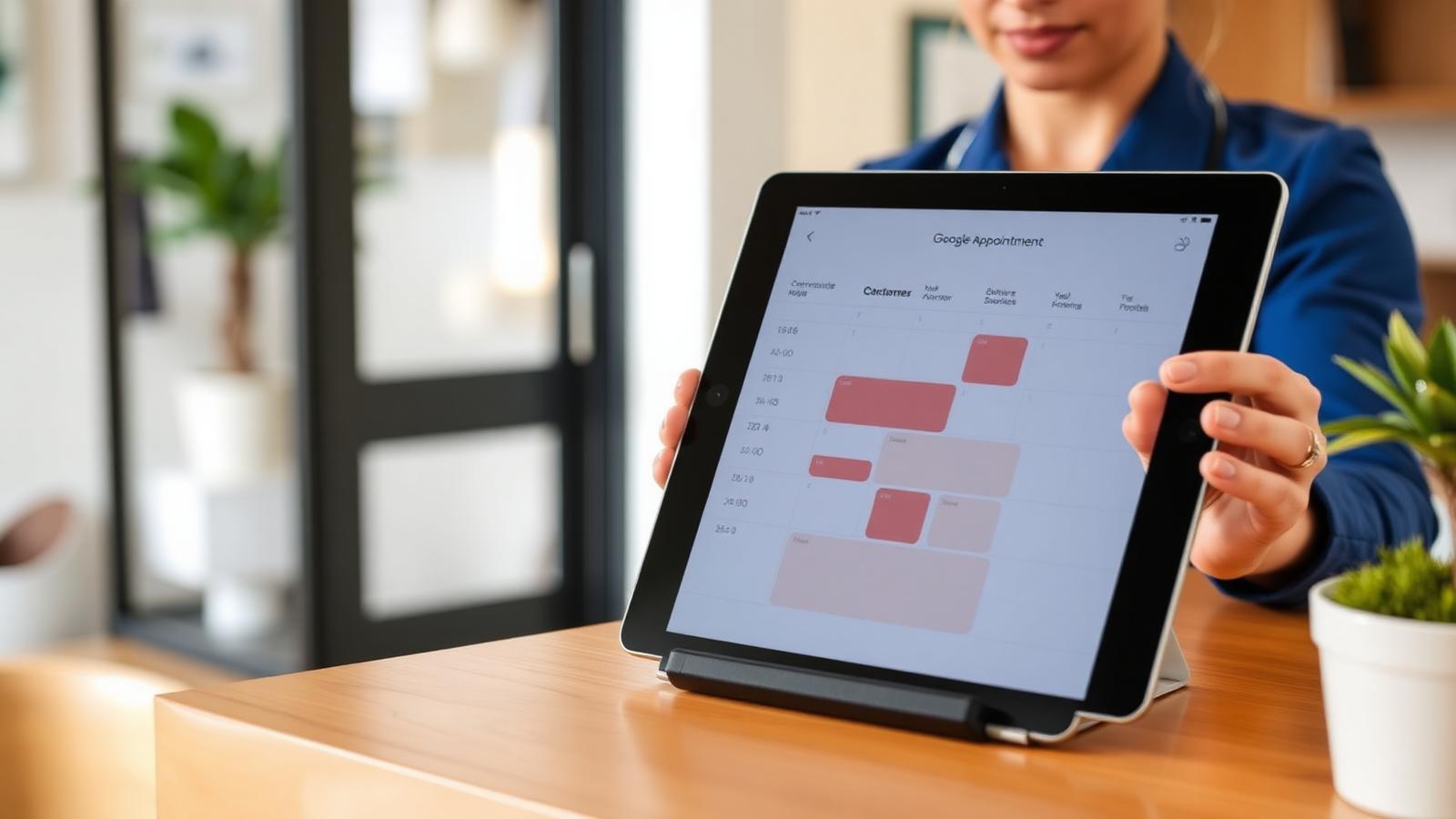
Appointment booking is one of the highest-intent actions on a Google Business Profile. A customer has already searched, compared nearby options, opened your profile, and decided they may be ready to schedule.
In 2026 the booking button is no longer just for restaurants, salons, and clinics. It works for repair shops, consultations, showrooms, fitness studios, pet services, legal offices, and any local business where the next step is a scheduled slot.
Two ways to add booking
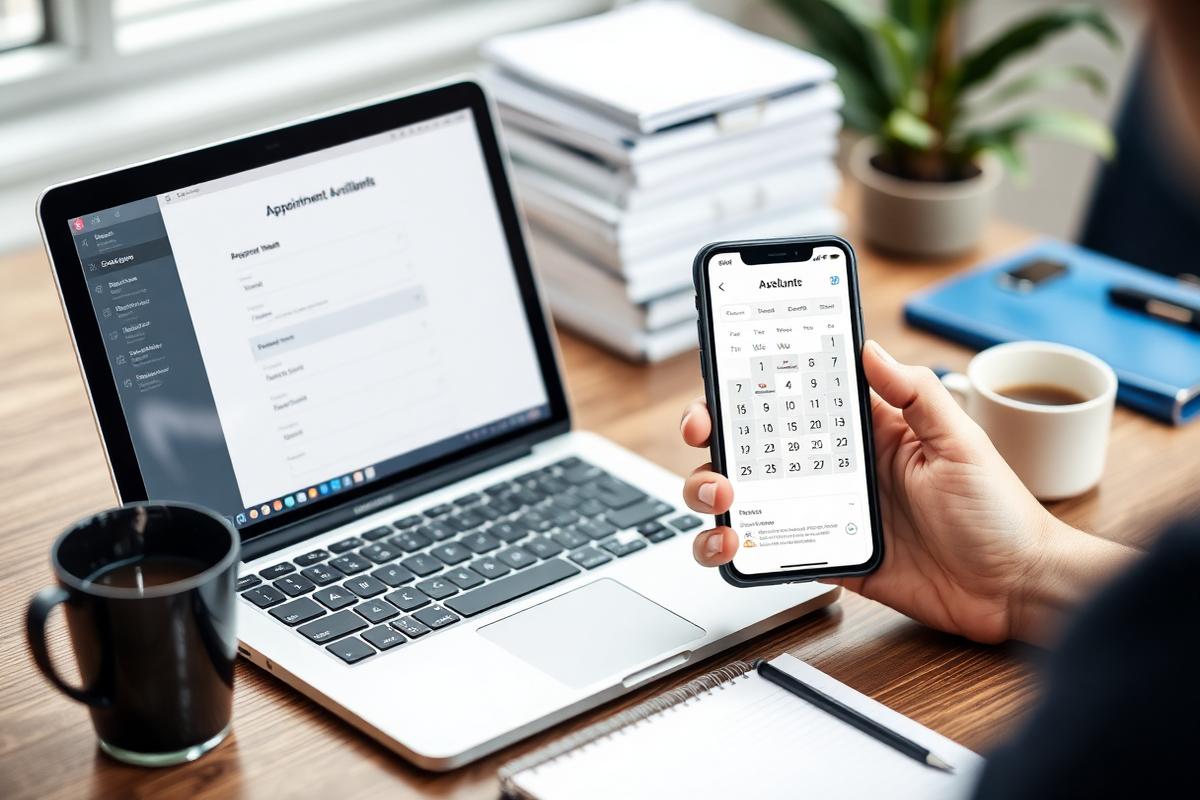
- **Add a booking link.** This is the simplest option: send customers to a booking page on your website, CRM, calendar tool, or intake form.
- **Use an integrated booking provider.** Some categories can connect supported scheduling partners so availability appears closer to the Google experience.
- **Use both only when they do not conflict.** If one system shows open slots and the other is outdated, customers lose trust before they ever arrive.
For most small businesses, the safest starting point is a direct booking URL that lands on the exact appointment type. Do not send booking traffic to the homepage and make people hunt for the calendar.
What the booking page must include
- The exact service or appointment type the customer clicked for.
- Real availability, not a lead form pretending to be a calendar.
- Location details when the business has more than one branch.
- Clear price, deposit, insurance, or consultation-fee expectations when relevant.
- A confirmation message that explains what happens next and when the customer should arrive.
How to set up the link

- Open the Business Profile on Google Search while signed in as an owner or manager.
- Edit the profile and look for the appointment or booking link field available for your category.
- Paste the most specific booking URL you have: location, service, and appointment type should already be selected when possible.
- Add tracking parameters to the URL before publishing so conversions can be measured later.
- Submit the change, then test it from a logged-out browser and a mobile device.
5 booking mistakes that cost appointments
- **Sending everyone to the homepage.** Searchers clicked to book, not to navigate your site from scratch.
- **Using a calendar nobody updates.** Stale availability causes cancellations, reschedules, and bad reviews.
- **Forgetting multi-location routing.** Customers should not have to choose a city again after they already found a specific profile.
- **Hiding price or eligibility details.** If a deposit, insurance requirement, consultation fee, or minimum job size applies, say so before the slot is booked.
- **Skipping mobile testing.** Most bookings from Google happen on phones. A calendar that works only on desktop is leaking leads.
Monthly booking audit
- Click the booking button from each live profile on mobile and desktop.
- Confirm the destination still matches the location and service category.
- Compare booked appointments against Google Business Profile traffic in analytics.
- Review no-shows and cancellations for signs that the booking page is setting the wrong expectation.
- Update seasonal services, staff availability, intake questions, and deposit rules before peak demand periods.
Frequently asked
Q.Does a booking button help Google Business Profile rankings?
Not as a direct ranking lever. It improves conversion from the visibility you already have, and strong engagement can help Google understand that searchers find the profile useful.
Q.Can I use my own booking page instead of a Google partner?
Yes. A direct appointment URL is often enough, especially when it is fast, mobile-friendly, location-specific, and connected to the calendar your team already uses.
Q.Should service businesses use booking if they need to qualify leads first?
Yes, but route the button to a consultation, estimate, or intake page instead of a firm job appointment. The promise should match what your team can actually deliver.
Q.How do multi-location businesses handle booking links?
Each location should have its own destination or preselected branch. A generic booking page creates friction and can send customers to the wrong office.
Q.What should I do if the booking field is missing?
Check the primary category, profile completeness, and whether appointment URLs are supported for that business type. If the field still does not appear, use the website link and service pages to make booking obvious.
The booking button is simple, but it exposes every operational weakness behind the calendar. Choose a destination that matches search intent, keep availability honest, track the clicks, and audit the path monthly. When the experience is clean, Google Business Profile becomes a direct scheduling channel instead of just another listing.