Messaging turns the chat button on your Google Business Profile into a direct line between searchers and the business. It bypasses the phone queue, works during and after hours, and captures leads who would never leave a voicemail.
In 2026 messaging is not just a convenience. Google tracks response time and uses it as a quality signal: chronically slow profiles have the chat button quietly hidden until the metric recovers.
How to enable messaging
- Open your Business Profile on Google Search or in the Google Maps app while signed in as the owner.
- Open the messages tab and turn on chat. Verify the phone number and confirm you accept the messaging terms.
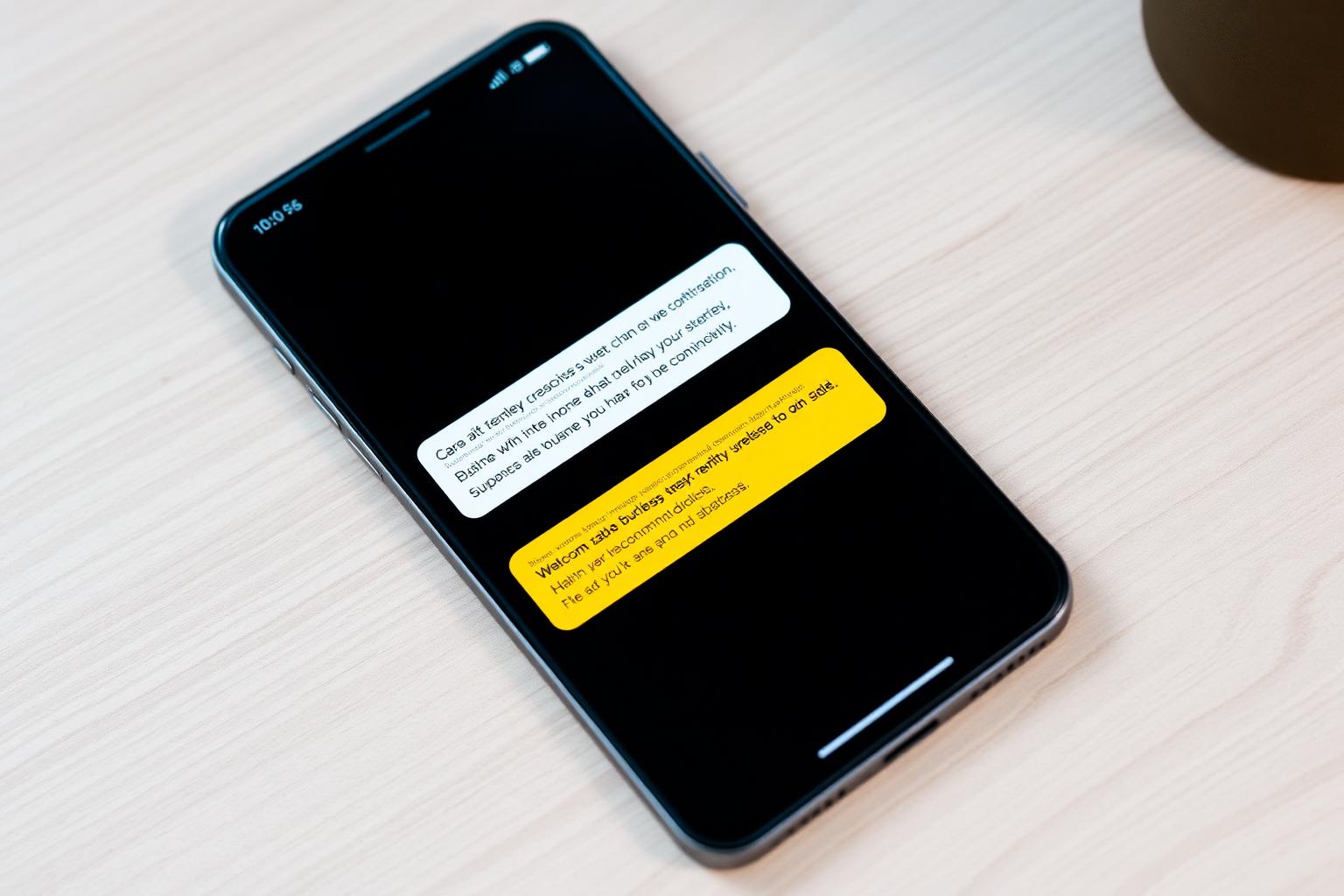
- Write a welcome message. Keep it under 200 characters, warm, and specific to what the business does.
- Set expectations for response time in the welcome message when you cannot reply within minutes during business hours.
- Assign a real owner. Route notifications to a phone that someone actually watches, not a shared inbox nobody checks.
The response-time metric that matters
Google shows an average response time on your profile and uses it to decide how prominently the chat button appears. Anything over 24 hours is treated as unresponsive and the button is deprioritized or hidden entirely.
- **Target under 15 minutes** during business hours. This is the range where customers still expect a real conversation.
- **Reply within a few hours** after hours. A short acknowledgement with a return-time promise is enough to keep the metric healthy.
- **Never let a message age past 24 hours.** A single ignored thread can drag the profile average into the deprioritized zone.
- **Turn off messaging** during extended closures rather than leaving it on and unattended.
Writing welcome messages and FAQs
- **Welcome message:** greet the customer, confirm the business name, and set a response-time expectation in one short paragraph.
- **Frequently asked questions:** add 5-10 canned answers for the questions you already answer daily: hours, parking, pricing, appointments, cancellations.
- **Do not use messaging as a sales script.** Answer the question first. Offer the next step second.
- **Never ask for sensitive information** (payment details, ID numbers, medical details) through Google chat. Move those conversations to a secure channel.
5 mistakes that kill messaging performance
- **Turning messaging on without an owner.** Every unread thread hurts the response-time metric until someone claims the inbox.
- **Using auto-responders as the only reply.** Google measures replies to the underlying question, not the auto-acknowledgement.
- **Long, generic welcome messages.** Customers scan the first line and bounce if it reads like a legal notice.
- **Leaving messaging on during vacations or closures.** The metric keeps ticking even when no one is available to respond.
- **Copying the same welcome across every location.** Each branch should mention its own hours, staff, and specifics.
A weekly messaging checklist
- Check the messages tab every morning and clear any threads older than 12 hours first.
- Review the response-time metric weekly and investigate any spikes.
- Update FAQs monthly based on the questions that came up most.
- Refresh the welcome message quarterly, or whenever hours, services, or pricing change materially.
- For multi-location brands, spot-check each location's inbox rather than trusting the aggregate.
Frequently asked
Q.Does messaging affect Google Business Profile ranking?
Not directly. It affects whether the chat button appears and how prominently, which changes lead volume even when your ranked position does not move.
Q.Can I use a third-party tool to answer chats?
Yes. Google offers a messaging API and several CRMs integrate with it. Just make sure the tool preserves response-time accuracy and does not send generic templates as the only reply.
Q.Should I turn messaging off if I cannot reply quickly?
Yes. A disabled chat button is better than an active one that averages 24-hour replies. You can re-enable it once you have coverage.
Q.How do I recover a hidden chat button?
Reply to any pending threads immediately and maintain fast replies for two to four weeks. Google restores prominence once the average response time returns to a healthy range.
Q.Can messaging replace phone calls entirely?
For many local businesses, half of new inquiries prefer chat over calls. Keep the phone number visible, but treat messaging as a primary channel, not a fallback.
Messaging is high-leverage but unforgiving. Enable it only when someone can actually watch the inbox, write a welcome message that sounds like the business, and keep response times fast enough that Google leaves the chat button in place. Done well, it becomes one of the highest-converting entry points on the entire profile.