
Photos are the second thing anyone looks at on a Google Business Profile, after the star rating. Google's own data (buried in a 2024 support post) says listings with more than 100 photos get 520% more calls and 2,717% more direction requests than the average listing. The gap is not the number, it is what those photos are of, and how often they get added.
Here is the exact photo playbook we run for BGR Review clients: which categories to fill, the specs that actually pass Google's automated review, and the five mistakes that quietly suppress a listing.
The 6 photo categories Google ranks
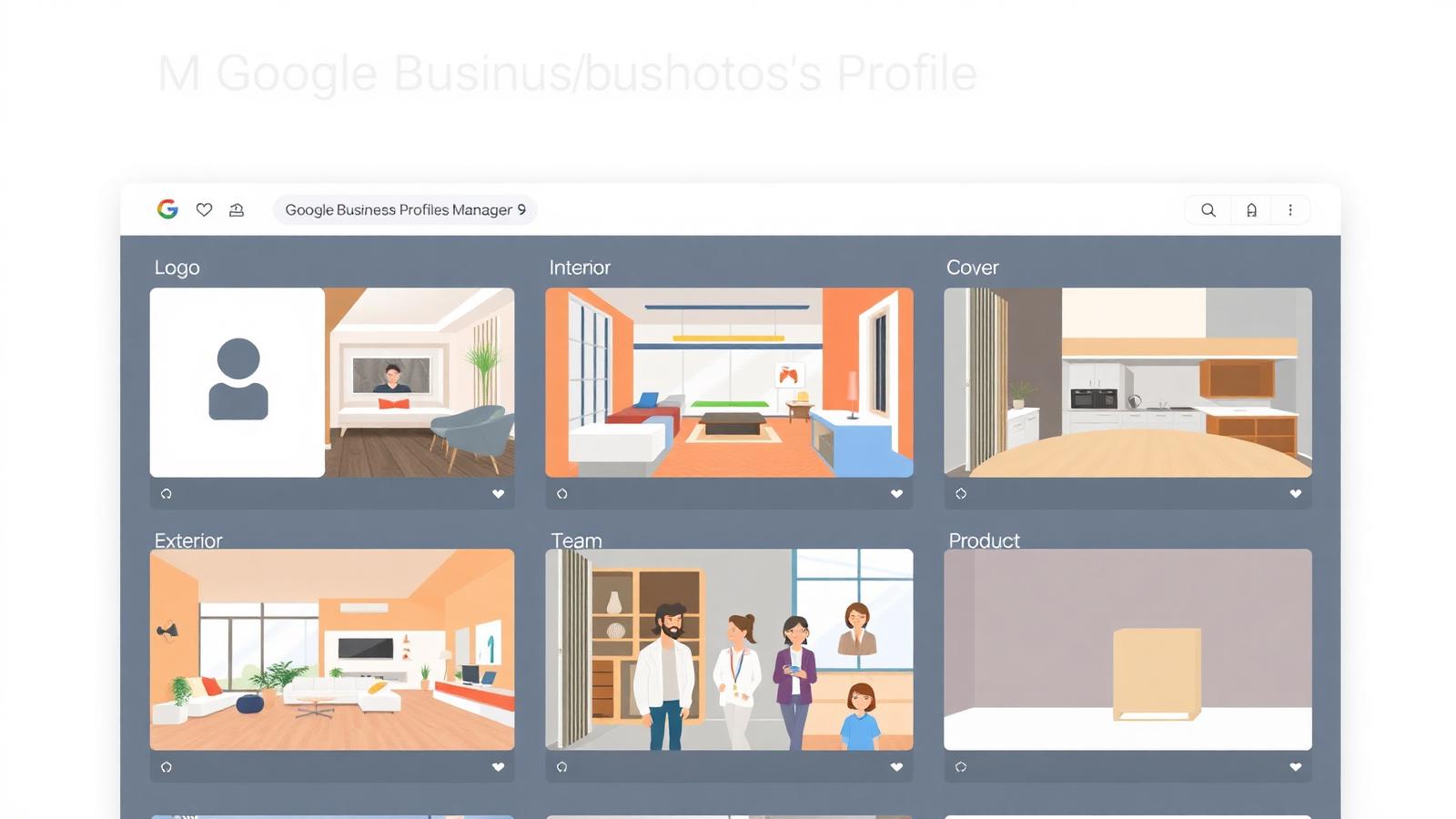
- **Logo.** Square, transparent background, min 250×250px. This becomes the small avatar shown next to your name in Search and Maps. Do not upload a wide banner as your logo, Google crops it badly.
- **Cover.** 16:9, min 1080×608px. The big photo at the top of your profile. Should show the business at its best, usually an exterior shot for storefronts, a hero product shot for service businesses.
- **Exterior.** 3-5 photos of the front, sides, and entrance. Include the street sign or landmark next to you. Critical for foot traffic.
- **Interior.** 5-10 photos of the working space, seating, treatment rooms, workshop floor. Interior photos convert Discovery searchers who are deciding whether to visit.
- **Team.** 2-5 photos of real staff at work. Faces + name in the caption dramatically outperform staged corporate portraits.
- **Product / Service / Menu.** Category-dependent, but always the highest-volume category. Aim for 20-40 photos here, refreshed monthly.
Technical specs that pass Google's review in 2026
- **Format:** JPG or PNG. HEIC uploads sometimes silently fail, convert on the phone first.
- **Size:** between 10KB and 5MB. Sweet spot is 200KB-1.5MB.
- **Resolution:** minimum 720×720px, recommended 1080×1080 or higher. Google downscales but never upscales.
- **Aspect ratio:** landscape (4:3 or 16:9) for cover and exterior, square (1:1) for product, portrait (4:5) for team.
- **Colour profile:** sRGB. Adobe RGB from a DSLR often looks dull once Google re-encodes it.
- **No text overlays**, no watermarks, no borders, no phone numbers, no promotional badges. Google's classifier flags them as ad-like and hides them from the main photo grid.
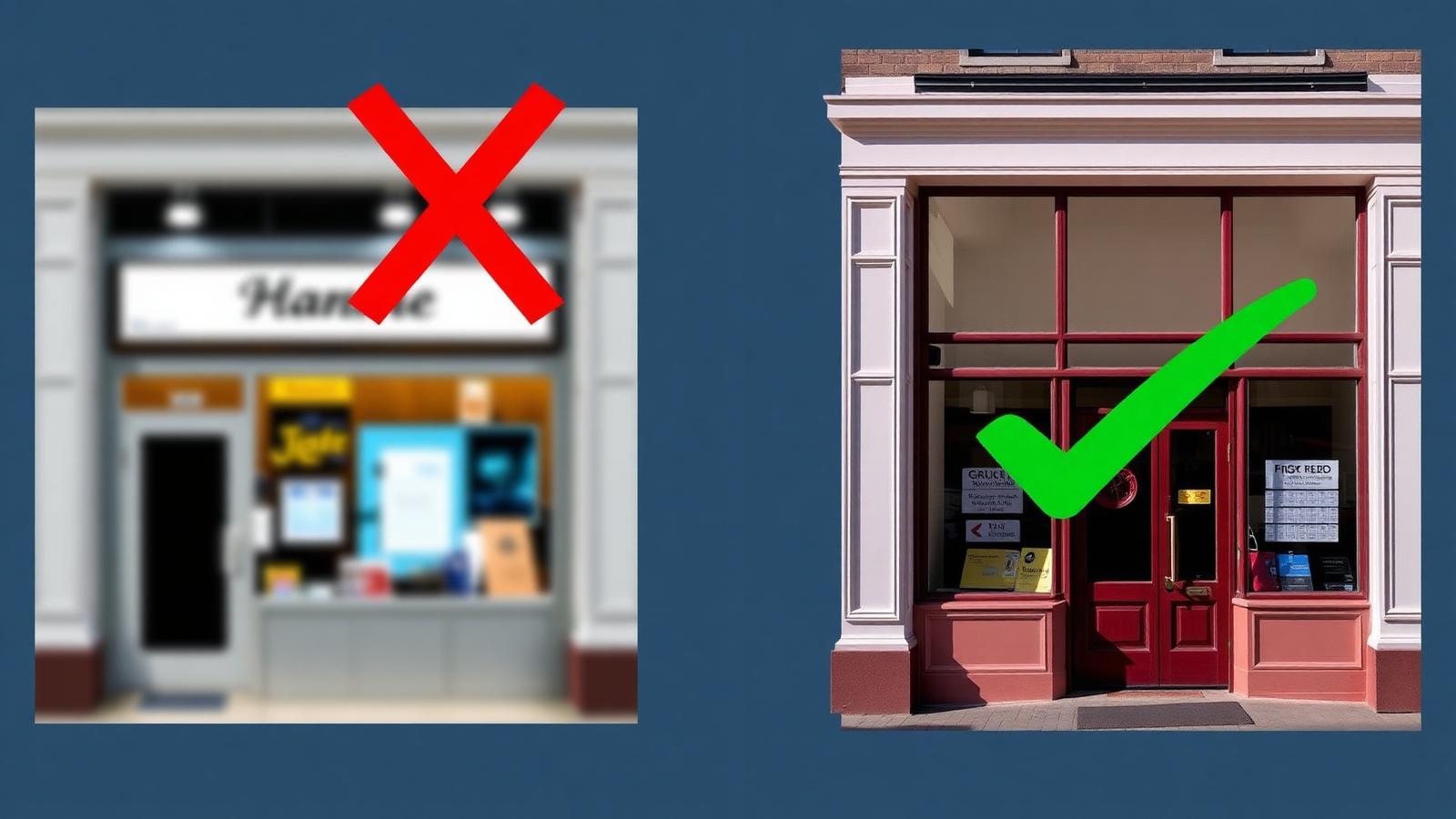
The photos that quietly suppress your listing
- **Stock photos.** Google's 2024 image-similarity system detects Unsplash, Shutterstock, and Freepik photos on the top 50 million most-viewed listings. Detected stock photos are removed silently and the listing loses trust score.
- **Screenshots.** Screenshots of your own website, Instagram grid, or Google Maps view. All flagged as low-value and often removed.
- **Blurry or low-light phone photos.** The classifier scores every uploaded photo for sharpness, exposure, and composition. Photos below the threshold do not appear in the public grid but still count against your average photo quality, which now feeds ranking.
- **Photos with visible competitors' branding.** A photo of your bar with a neon Coca-Cola sign is fine. A photo where the dominant element is another business's logo is flagged.
- **People without consent.** Faces of identifiable customers who did not agree to be photographed can be reported and removed under Google's Personal Information policy, which triggers a temporary suppression on the whole listing.
The upload cadence that actually moves rankings
Google's local ranking factors weigh photo freshness heavily in 2026, profiles that add photos every week rank materially higher than dormant profiles with 500 old photos. The realistic minimum cadence we recommend to every client:
- **3-5 new photos per month**, uploaded across 2-3 different days (not all in one dump).
- **1 new team or behind-the-scenes photo per month**, the category most owners skip.
- **1 seasonal cover update per quarter**, spring exterior, summer interior, autumn window display, winter lights.
- **Delete the worst 3 photos per quarter.** The average photo quality of your listing is now scored, pruning low performers raises the average without new uploads.
Customer photos: encourage, but do not incentivise
Customer photos count for more than owner photos in the ranking algorithm, they signal that real people visited. But under Google's 2024 review incentivisation policy, you cannot ask customers to "post a photo and get 10% off" any more than you can pay for stars. The compliant approach:
- In the review request SMS/email, add: "if you have a moment, a photo helps other customers find us." No incentive, no gating, no reward.
- Print a small QR code in-store that links straight to the Add Photo action on your profile. Legal because it is available to every customer regardless of what they photograph.
- Never delete unflattering customer photos yourself. If a photo genuinely violates policy (a competitor's logo, a person's face without consent), report it, do not just try to bury it with 20 new uploads.
Frequently asked
Q.How many photos should a Google Business Profile have?
Minimum 25 across the six categories to be considered "complete". Sweet spot for ranking is 100+ with regular monthly additions. There is no hard maximum, but past ~500 photos the marginal ranking benefit flattens.
Q.Why did Google remove one of my photos?
Most common reasons in 2026: detected as a stock image, contained text/watermarks, showed a competitor's dominant branding, or was reported by a user for personal-info policy. Google rarely notifies you, audit the photo list monthly.
Q.Can I use AI-generated images on my Google Business Profile?
Technically not banned, but Google's 2025 image-provenance classifier can identify most generative-AI outputs and treats them as stock. Use them only for the cover if you have no real option; never for interior, exterior, team, or product.
Q.Does adding video help too?
Yes. Short vertical videos (15-30 seconds, under 100MB) are now weighted alongside photos and appear in the same grid. One short video per month materially improves engagement metrics we can see in Performance.
Q.Should I remove old photos?
Remove photos that are (a) blurry or badly exposed, (b) more than 3 years old and no longer representative, or (c) show staff who have left. Do not remove genuine, high-quality photos just because they are old, engagement counts even on old assets.
Photos are the one part of a Google Business Profile that rewards steady effort more than any single big push. Fifteen minutes a month uploading and pruning beats one perfect photoshoot every two years, every single time.