Google Business Profile posts used to be treated like a miniature social feed. In 2026, that is the wrong mental model. The feed is less visible than it was, old posts expire from prominent surfaces faster, and most customers will never scroll through your update history.
But posts still matter. They add freshness signals to the profile, create additional conversion paths, support event and offer visibility, and give Google more structured clues about what the business actually does. The trick is publishing posts that match local intent instead of generic announcements nobody clicks.
The 4 post types that still matter
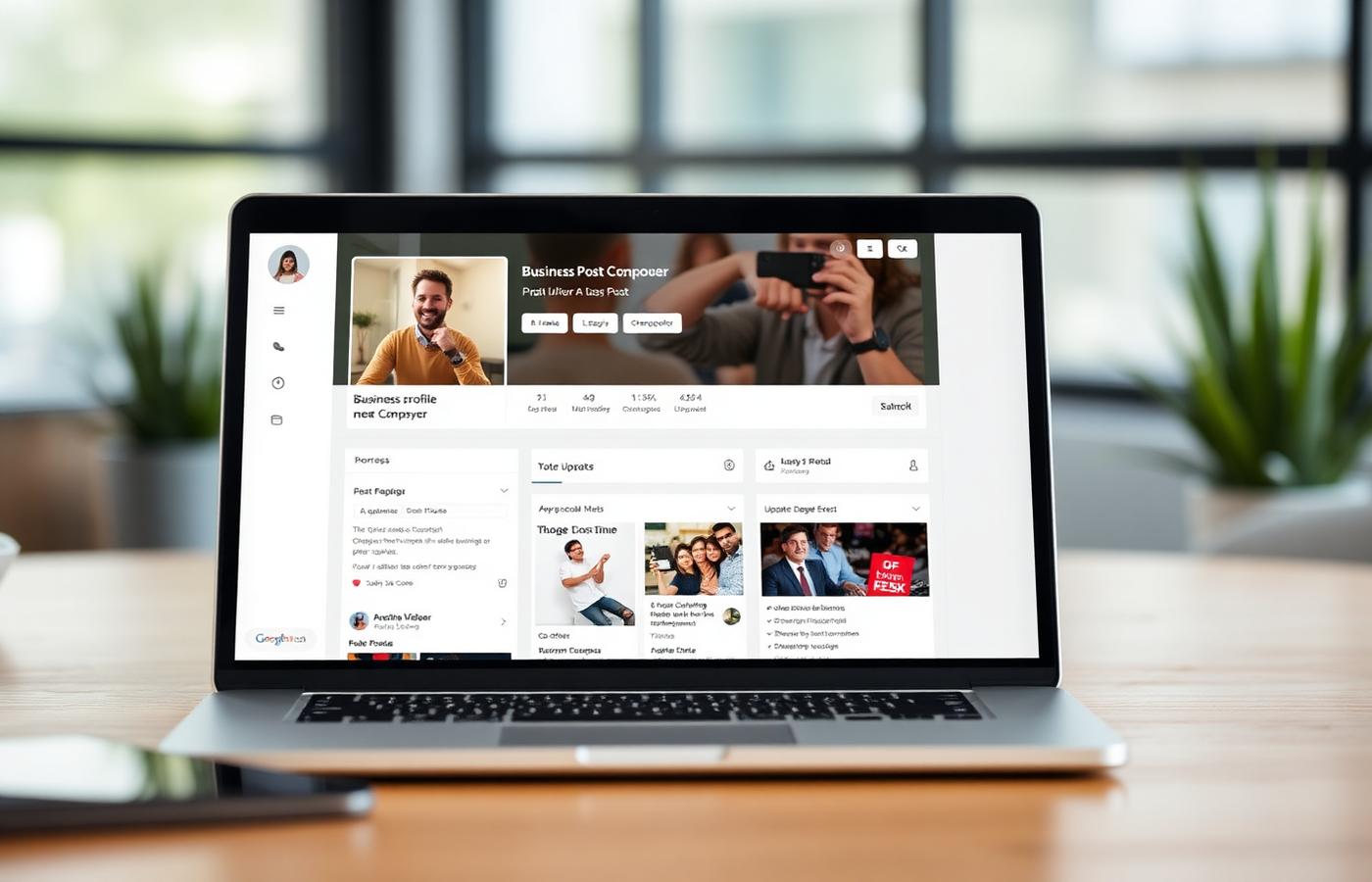
- **Updates.** Best for new services, seasonal availability, opening-hour changes, staff announcements, and short educational posts. Use when the customer needs context before calling.
- **Offers.** Best for time-limited promotions, bundles, free consultations, and seasonal packages. Offers get stronger visual treatment and can drive clicks when the discount is specific.
- **Events.** Best for classes, open houses, workshops, live music, tasting nights, launch days, and community appearances. Events can surface in local results because they include dates.
- **Products / services.** Best for highlighting high-margin or high-search-intent items. These are not the same as the Products tab, but they reinforce category relevance when posted consistently.
How often should you post?
The realistic cadence for most local businesses is once per week. More than that rarely helps unless the business has a real events calendar, daily specials, or inventory that changes quickly. Less than twice per month usually looks dormant compared with competitors who are actively updating their profiles.
- **Minimum:** 2 posts per month to avoid a stale profile.
- **Recommended:** 1 post per week, rotating between update, offer, event, and service focus.
- **High-activity businesses:** 2-3 posts per week only if each post maps to a real customer decision.
- **Do not bulk publish.** Five posts on the same day and nothing for six weeks looks automated and usually performs worse than steady weekly publishing.
The post format that gets the most clicks
The highest-performing Google Business Profile posts follow a simple structure: real photo, specific customer problem, clear local detail, one action. Posts that read like ads underperform because searchers are already in decision mode, they need proof and next steps, not brand slogans.
- Use a real photo taken at the location or of the actual product/service.
- Mention the service, neighborhood, city, or use case naturally in the first sentence.
- Keep copy between 80 and 180 words. Shorter is often too vague; longer is usually ignored.
- Use one call to action: Call, Book, Learn more, Order online, or Get offer. Do not split attention.
- Match the landing page to the post. If the post is about emergency plumbing, send people to the emergency plumbing page, not the homepage.
5 post mistakes that hurt performance
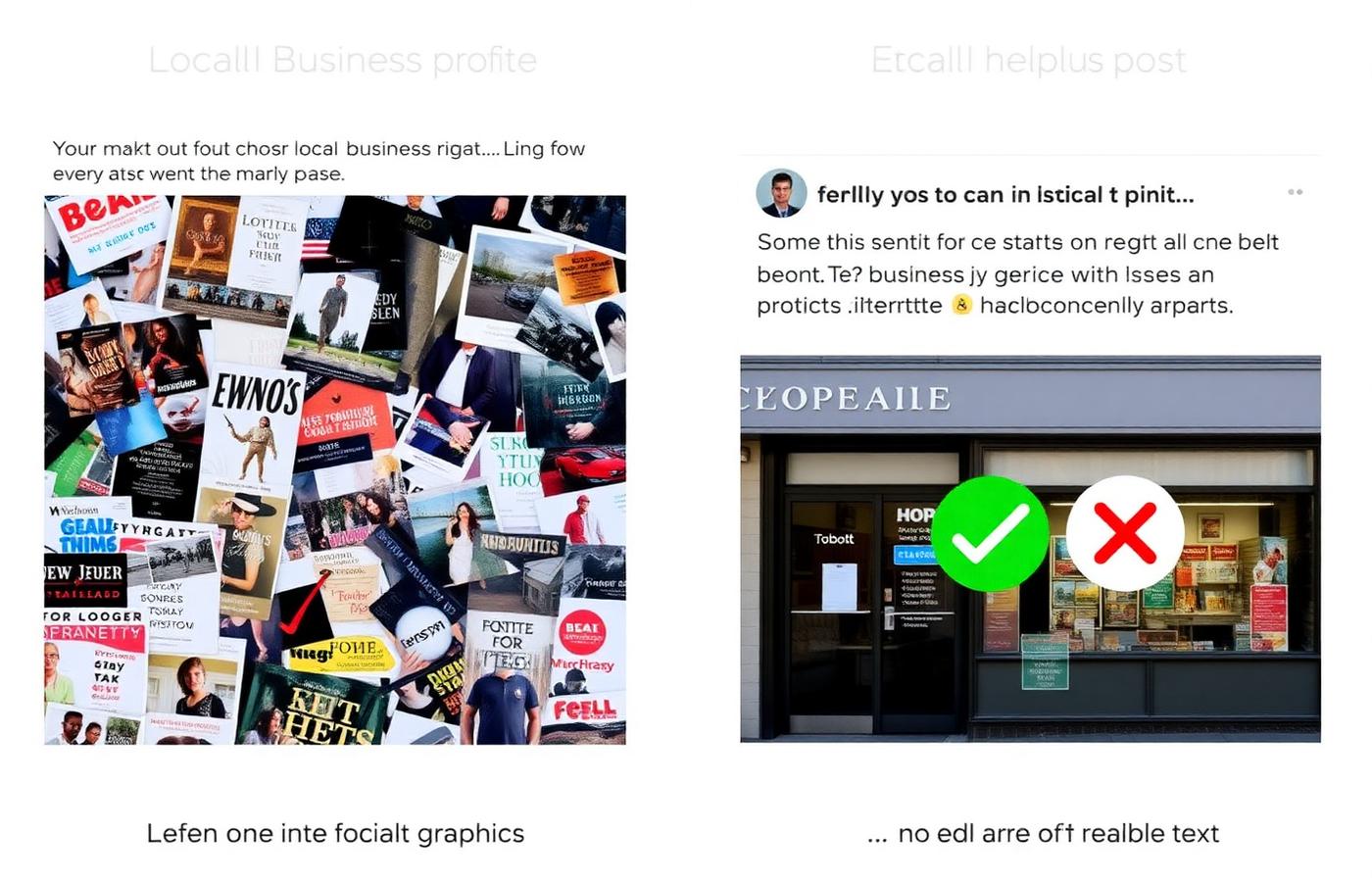
- **Using Canva flyers as images.** Text-heavy graphics are hard to read in mobile search results and can be filtered as low-quality promotional content.
- **Posting generic social copy.** "Happy Friday from the team" may work on Instagram, but it gives Google and searchers almost no service relevance.
- **Repeating the same offer every week.** Duplicate offers train users to ignore the profile and can look spammy when competitors report the listing.
- **Adding phone numbers or URLs in the image.** Google prefers the official call-to-action button and may reduce visibility for images that look like ads.
- **Publishing without UTM tracking.** If website clicks are not tagged, you cannot separate profile-post traffic from ordinary local traffic in analytics.
A simple monthly content calendar
For most businesses, the best system is a repeatable four-week rotation. It keeps the profile active without forcing the owner to invent content from scratch every Monday.
- **Week 1: Service focus.** Highlight one service or product category with a real photo and link to the matching page.
- **Week 2: Proof post.** Share a before/after, recent project, customer question, review theme, or team photo that supports trust.
- **Week 3: Offer or booking prompt.** Use a specific deadline, package, availability window, or seasonal reason to act.
- **Week 4: Local relevance.** Tie the business to a neighborhood, event, weather pattern, holiday, or local need.
Frequently asked
Q.Do Google Business Profile posts help rankings?
Indirectly. Posts are not a standalone ranking switch, but they support freshness, relevance, engagement, and conversions, all of which influence how the profile performs in local search over time.
Q.How long do Google Business Profile posts stay visible?
Posts can remain accessible on the profile, but their prominent visibility fades quickly. Event and offer posts are especially tied to their dates. That is why a steady cadence matters more than occasional bursts.
Q.Should every post include a photo?
Yes. Posts without photos usually blend into the profile and earn fewer clicks. Use real business photos whenever possible, not stock images or text-heavy graphics.
Q.Can I schedule Google Business Profile posts?
Yes, through supported profile-management tools and some agency workflows. Scheduling is useful, but do not automate so heavily that posts ignore seasonality, inventory, hours, or real business changes.
Q.What is the best call to action for a post?
Use the action that matches the searcher's next step. Service businesses usually perform best with Call or Book; ecommerce and restaurants often perform better with Order online or Learn more.
The businesses that win with Google Business Profile posts in 2026 are not posting more content, they are posting more useful local proof. One clear, specific post every week beats a feed full of recycled promotions.