Google Business Profile products are not only for ecommerce brands. They are a local discovery tool: product cards can appear on your profile, in mobile search, and inside Maps when customers compare nearby businesses before calling or visiting.
For retailers, dealerships, clinics, showrooms, salons, restaurants, and service businesses with packaged offers, the products section is a practical way to show what you sell before a customer reaches your website.
Who should use GBP products
- **Retail stores** can show best sellers, seasonal inventory, private-label products, and premium brands.
- **Restaurants and cafes** can highlight signature dishes, catering packages, gift cards, and featured menu items.
- **Medical, dental, and wellness businesses** can show packaged treatments, consultations, memberships, or product lines when policy allows.
- **Automotive businesses** can feature tires, accessories, maintenance packages, detailing bundles, and vehicle categories.
- **Home service companies** can use products for fixed-scope offers such as inspections, maintenance plans, installation packages, or warranties.
The product card fields that matter
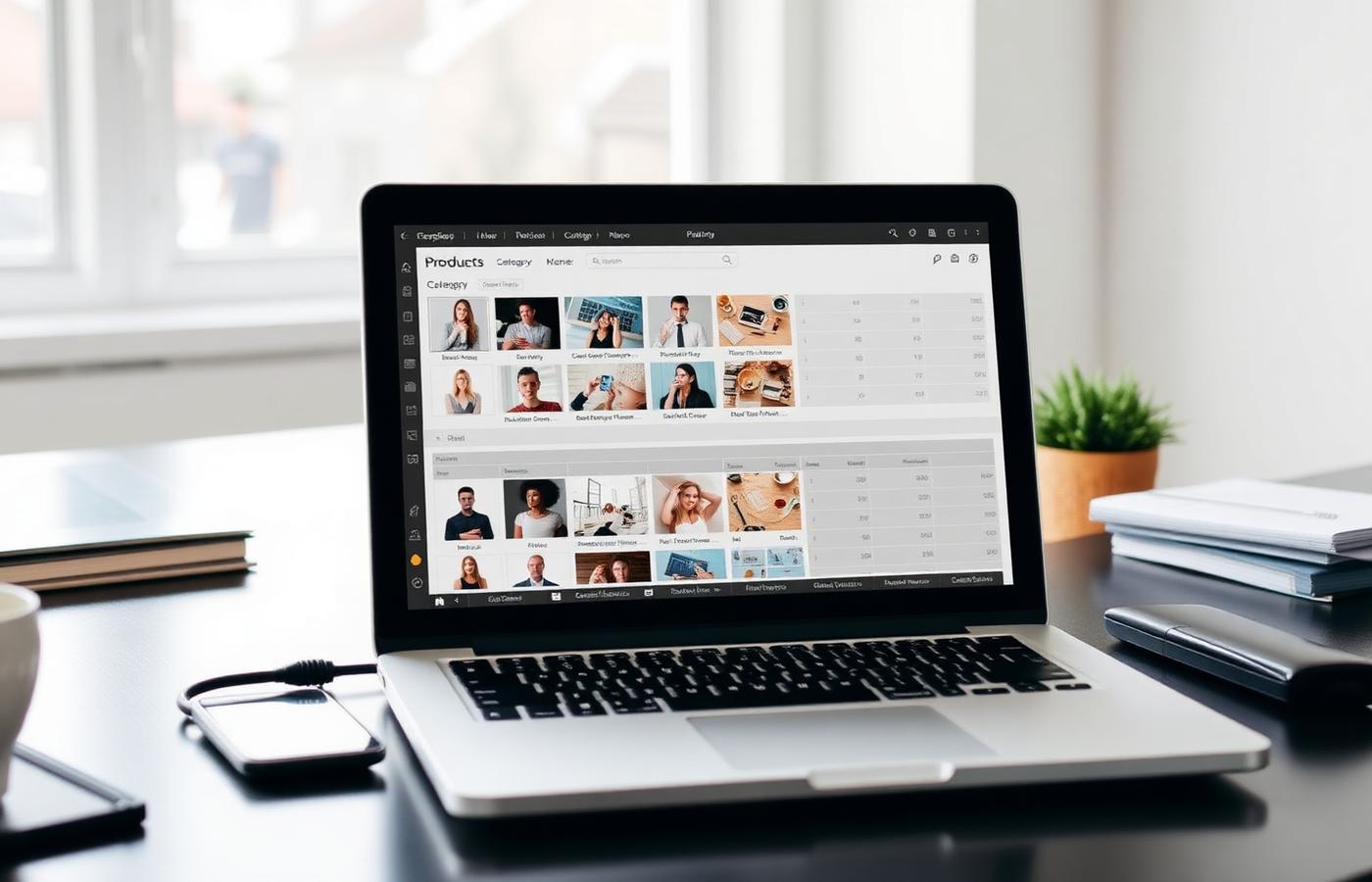
A product card is simple, but each field affects how useful the card is. The goal is not to upload every item in the business. The goal is to make the best 10-30 items easy to understand at a glance.
- **Product name:** Use the customer-facing name, not an internal SKU. 'Emergency plumbing inspection' is better than 'EPI-01'.
- **Category:** Group items by how customers shop: services, product type, room, use case, or price tier.
- **Price or price range:** Add pricing when it helps qualify the lead. Use ranges for variable work instead of hiding the field entirely.
- **Description:** Keep it to 1-2 useful sentences. Mention fit, outcome, included items, or who it is for.
- **Button/link:** Send the customer to the most relevant page, not the homepage. Product cards perform best when the next click matches the card exactly.
A simple structure for most businesses
Start with four to six product categories. Each category should contain three to eight items. This gives the profile enough depth without turning the catalog into a maintenance burden.
- **Best sellers:** The items customers already ask about most often.
- **High-margin offers:** Products or packages that materially improve revenue per customer.
- **Entry-level offers:** Low-friction items that help new customers take the first step.
- **Seasonal or timely items:** Products that match current demand, events, weather, or holidays.
- **Location-specific products:** Items that vary by branch, neighborhood, climate, inventory, or local preference.
Photo rules for product cards
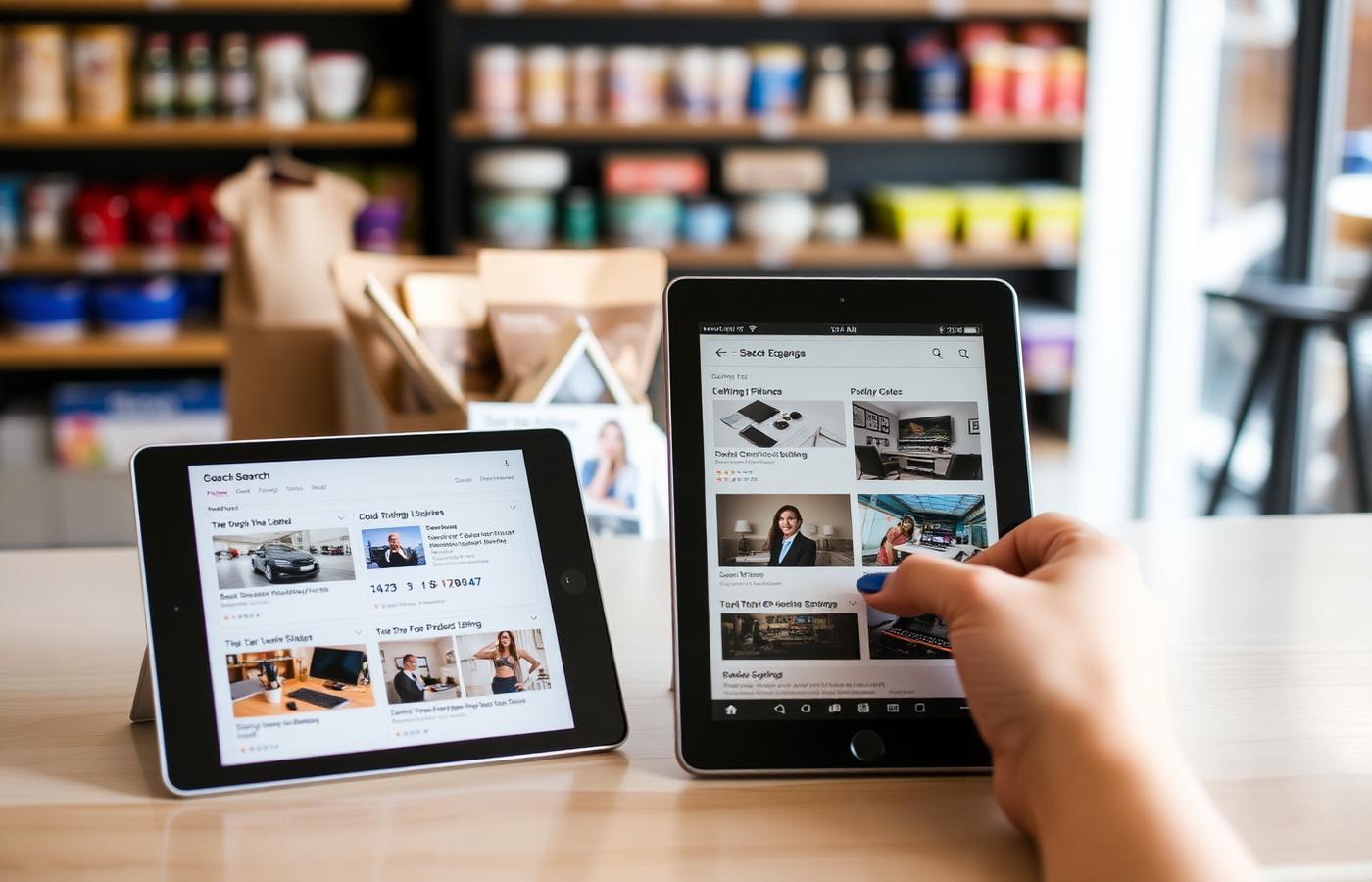
- Use real photos from the business whenever possible. Stock or manufacturer images are less persuasive and can make the profile look generic.
- Crop for mobile first. The product should be obvious at small size, with minimal background clutter.
- Keep lighting consistent across cards. A mismatched catalog looks abandoned even when the information is accurate.
- Avoid text-heavy graphics. If the image needs a paragraph to explain it, the card description should do that work instead.
- Refresh seasonal products before demand peaks, not after customers have already started searching.
5 mistakes that make GBP products look spammy
- **Uploading the entire inventory.** A bloated catalog is hard to maintain and often filled with thin, duplicate cards.
- **Using keyword-stuffed names.** 'Best Cheap Emergency Plumber Austin Open Now' is not a product name and can trigger quality issues.
- **Sending every card to the homepage.** The landing page should continue the exact product or offer shown in the card.
- **Leaving old products live.** Out-of-stock, discontinued, or seasonal items make the profile feel neglected and frustrate customers.
- **Copying website category pages word for word.** Product cards need short, scannable copy written for Maps and mobile search.
Quarterly maintenance checklist
- Remove discontinued or unavailable items.
- Update prices, ranges, package details, and links.
- Swap in seasonal products four to six weeks before peak demand.
- Compare product cards against your top three local competitors.
- Check profile clicks and calls after major product updates to see which categories create movement.
Frequently asked
Q.Do Google Business Profile products help rankings?
They are not a magic ranking factor, but they improve relevance, engagement, and conversion. Strong product cards help Google understand what the business offers and help customers decide faster.
Q.How many products should I add?
Most local businesses should start with 10-30 product cards across four to six categories. Add more only if you can keep them accurate and useful.
Q.Should service businesses use products?
Yes, when the offer is packaged or browseable: inspections, maintenance plans, consultation packages, installation bundles, warranties, or memberships. Keep ordinary services in the services section.
Q.Do I need prices on every product?
No. Add exact prices when they are stable and useful. Use ranges for variable work. If price depends on inspection, scope, or customization, explain that in the description instead of guessing.
Q.Can multi-location businesses use the same product list everywhere?
Use the same structure, but localize inventory, photos, pricing, and links where they differ. Copy-pasted product sections can mislead customers and hide what makes each location relevant.
The products section is a small storefront inside Google. Treat it like one: curate the items customers actually compare, write short descriptions, use real photos, and keep the catalog current. That is how GBP products turn profile views into calls, visits, and qualified clicks.