If reviews and proximity are the two most-discussed local ranking factors, the primary category is the quiet third, and often the most decisive one. Google uses the primary category to decide which searches you are eligible to appear for at all. Get it wrong, and no amount of reviews, posts, or backlinks will rescue the profile.
In 2026, categories and services are also feeding AI Overviews and generative local answers. The tighter the match between the searcher's intent and the profile's categorization, the more likely the profile gets pulled into the answer.
Primary category: pick one, pick right
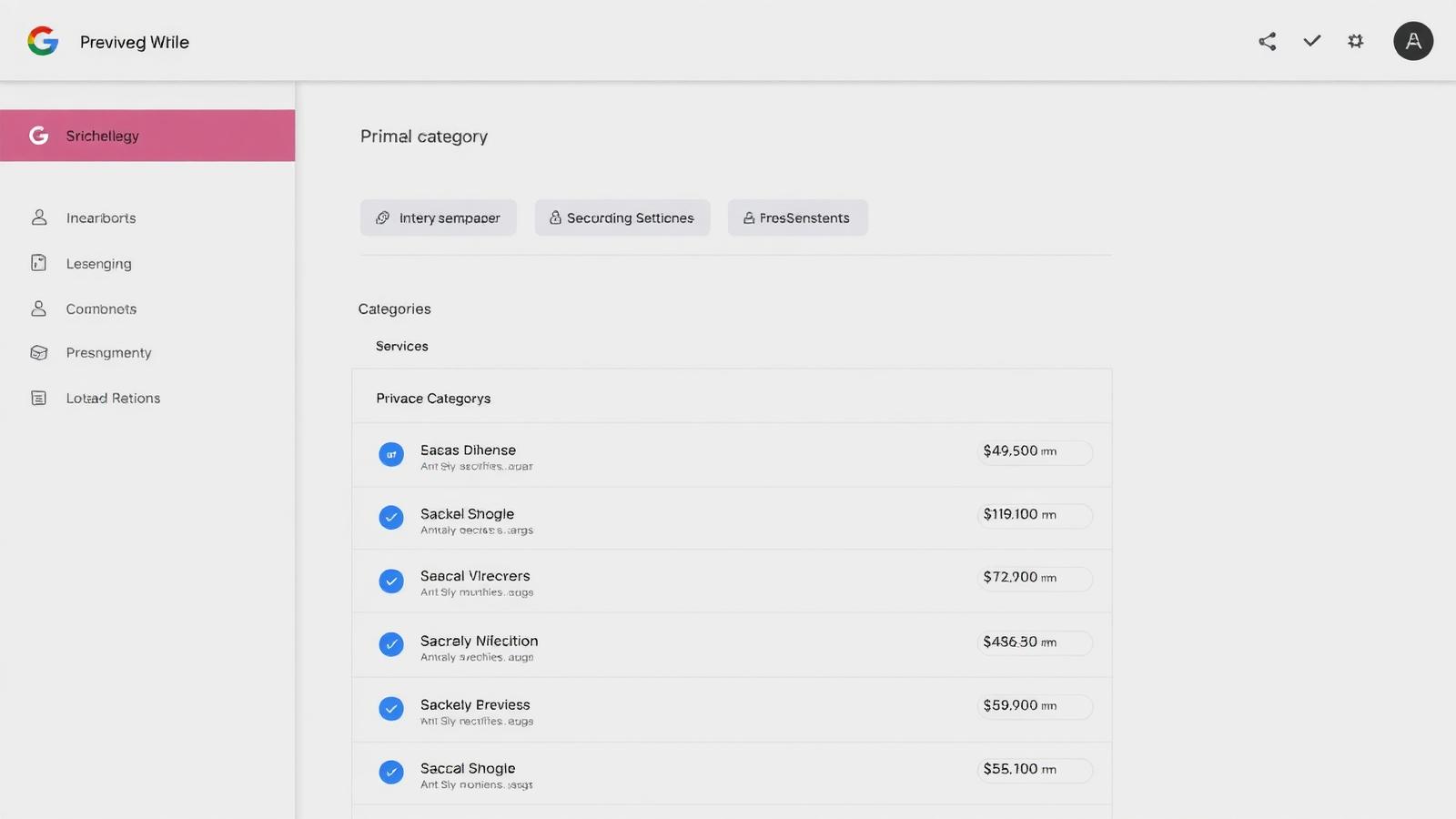
- **Match the term customers actually search.** 'Dentist' beats 'Cosmetic Dentistry Clinic' if the majority of the search volume is 'dentist near me'.
- **Match the highest-value service, not the most services.** If 80% of revenue comes from implants, 'Dental Implants Periodontist' can outrank 'Dentist' for a specialty practice.
- **Do not switch it casually.** A primary category change can cause temporary ranking drops. Test with data, not guesses.
- **Check competitors.** Look at the top three ranked profiles for your money keyword. If they all share a primary category and you do not, you are almost certainly disadvantaged.
Secondary categories: use them, but do not stuff
Google allows up to nine secondary categories. Most local businesses should use between three and six, enough to signal the full range of services without diluting relevance. Every category you add should describe something the business actually does, in the location it is listed.
- Add a secondary category only if you can back it up with services, photos, and (ideally) reviews mentioning it.
- Do not add categories for services you plan to launch 'someday'. Google may filter categories that do not match the on-site experience.
- Do not add competitor-adjacent categories to poach traffic (e.g. a car wash adding 'auto body shop'). Misalignment can trigger suspension.
- Re-audit categories every 6 months. New categories are added by Google throughout the year, and a better fit often becomes available.
Services: the underused ranking layer
Services are individual items you can add under each category. Each service has a name, optional description, and optional price. This is where you translate categories into the exact phrases customers type, and it is one of the most under-filled sections on the average profile.
- **Add every real service.** Aim for 15-40 for most small businesses, more for multi-service operations.
- **Use customer language.** 'Root canal' beats 'endodontic therapy'. 'Emergency plumber' beats 'after-hours dispatch'.
- **Write a 1-2 sentence description per service.** Include the neighborhood or city if it is natural. Keep it factual, no marketing fluff.
- **Add prices or price ranges where honest.** Prices reduce tire-kickers and increase call quality.
- **Group by category.** Assign services to the secondary category they belong under so Google understands which category each service supports.
Before and after: what a complete profile looks like
- **Before:** 1 primary category, 0 secondary categories, 0 services, no descriptions.
- **After:** 1 primary category, 4-6 secondary categories, 20-30 services with descriptions and prices, each assigned to a matching category.
- **Effect:** eligibility for a wider range of intent-specific queries, more clicks from long-tail 'near me' searches, and better performance in AI Overview local blocks.
5 mistakes that quietly cap ranking
- **Choosing the broadest primary category.** 'Store' or 'Restaurant' is almost always the wrong choice. Specificity ranks.
- **Cramming all nine secondary slots.** Diluted relevance ranks worse than a clean 3-5.
- **Leaving services empty.** An empty services section is Google's most common local audit finding.
- **Copy-pasting website menus.** Website copy is often too internal-jargon. Rewrite for search language.
- **Never re-auditing.** Google adds and renames categories throughout the year. A profile that was optimized 18 months ago is probably out of date.
A quarterly category and service audit
- **Search your top 5 money keywords.** Note the primary category of the top 3 competitors for each.
- **Compare to your primary category.** If yours does not appear on the competitor list, test whether a change is warranted.
- **Review secondary categories.** Remove anything with no services, no photos, and no review mentions. Add anything with all three but no category.
- **Refresh services.** Add anything new the business started offering. Remove anything discontinued. Update prices.
- **Track for 4-6 weeks.** Watch profile insights (searches, direction requests, calls). Roll back if a change causes a clear drop.
Frequently asked
Q.How many secondary categories should I use?
Most small businesses should use between three and six. The maximum is nine, but stuffing all nine with weakly related categories usually hurts relevance more than it helps.
Q.Will changing my primary category tank my rankings?
It can cause a short-term ranking swing while Google re-evaluates the profile. Make changes based on competitor data, one at a time, and give each change four to six weeks before deciding whether to keep it.
Q.Do service descriptions affect rankings?
They contribute to relevance. Google reads service names and descriptions as content on the profile, so specific, customer-language descriptions help you match a wider range of long-tail searches.
Q.Should I add prices to services?
Where possible, yes. Prices improve lead quality, reduce time wasted on unqualified inquiries, and can help the profile appear in comparison-style local answers.
Q.Can I add categories for services I plan to launch?
No. Categories must match what the business currently offers at the listed address. Adding categories for planned or aspirational services can trigger a suspension.
Categories and services are not a one-time setup. Treat them as a living layer of the profile, audit quarterly, follow the search intent, and match category selection to reality. Businesses that do this outrank competitors with more reviews and older profiles regularly.