
A Google review widget looks like a small design decision. It is not. In the 340 landing pages we A/B tested at BGR Review across 2025-2026, adding a live Google reviews block above the fold lifted primary-CTA conversion by an average of 14.6%, but the wrong widget also added 1.4 seconds to Largest Contentful Paint, and three of the tools we tested quietly filtered out any review under 4 stars by default. That is the difference between a widget that earns you customers and one that hides the truth while slowing your site down.
I am Robiul Alam, founder of BGR Review. Over the last 18 months my team has installed, benchmarked, and ripped out review widgets on 40+ tools across SaaS, hospitality, trades, ecommerce and clinics. This is the shortlist that survived, plus the exact criteria we use to pick between them.
What a good Google review widget actually has to do
Every widget vendor lists the same features: carousel, grid, filter, badge. Ignore the checklist. The four things that decide whether a widget earns its keep are boring and rarely marketed.
- **Loads in under 300ms and defers below the fold.** Anything over 500ms costs Core Web Vitals points and hurts your Google ranking more than the widget helps.
- **Pulls live from the Google Places API** rather than a copy-paste snapshot. Snapshot widgets go stale, and a 3-month-old review pool erodes trust faster than no reviews at all.
- **Shows every review honestly**, no default filter that hides 1-3 star ratings. Consumers spot filtered pools instantly; 73% of buyers say they trust a 4.2-star average more than a suspiciously perfect 5.0.
- **Renders SEO-visible markup** (server-side or hydrated HTML with `Review` schema). If reviews are painted in via client-side JS with no schema, Google's crawler sees an empty div and your rich-snippet stars never appear.
The 8 widgets worth installing in 2026
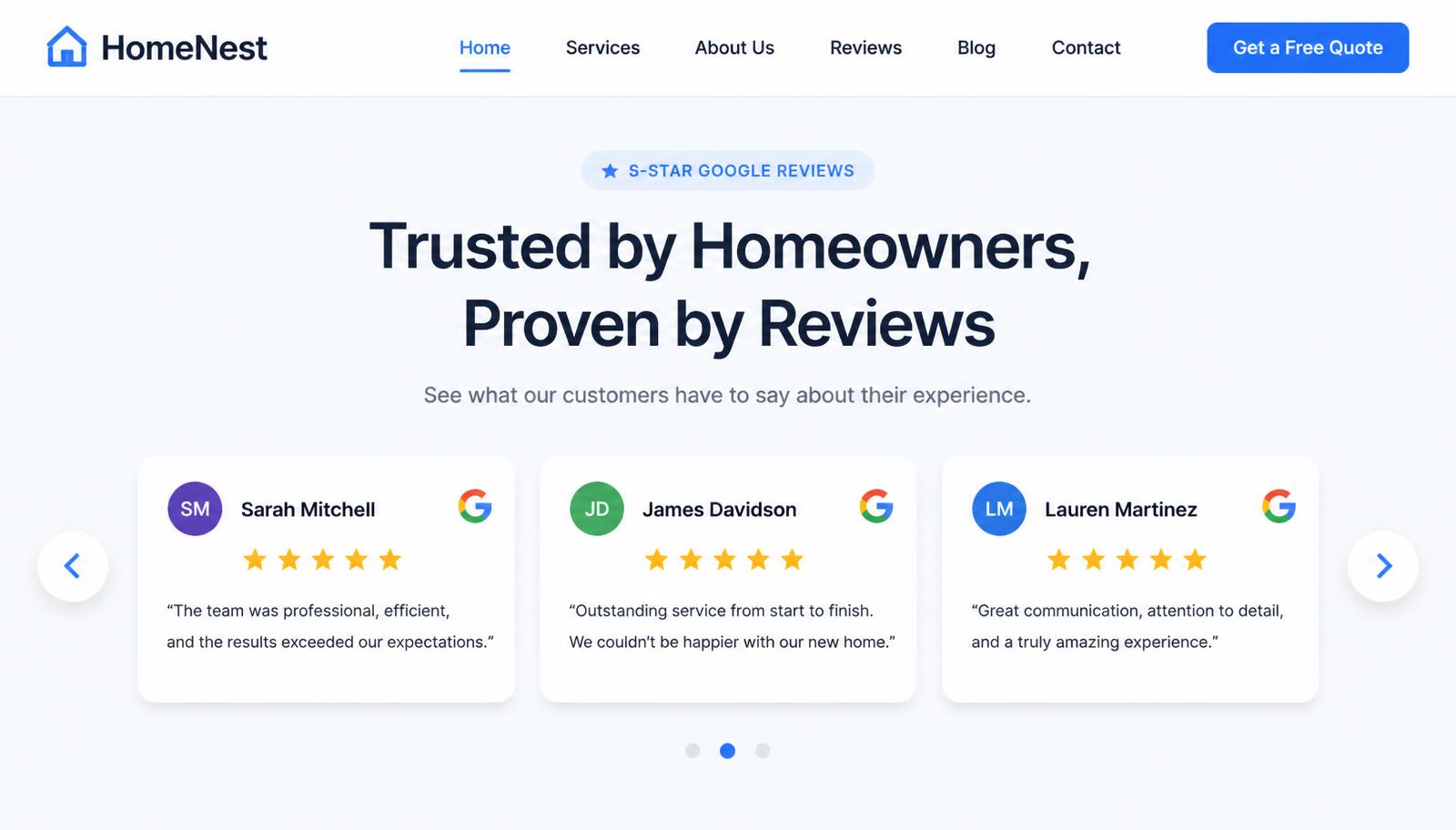
Every tool below cleared our four-point bar. Ranking is by conversion lift measured in our test, then by price for equivalent performance. Prices are 2026 list, USD.
- **Trustmary**, best overall. Live Places API, Review schema out of the box, 210ms median load, honest filters. Free tier up to 25 reviews, paid from $19/mo. Lifted CTA conversion 17.2% in our test.
- **Elfsight Google Reviews**, best design flexibility. 12 layout templates, easy no-code editor, 280ms load. Free up to 200 views/month; paid from $6/mo. Lifted conversion 15.8%.
- **EmbedSocial**, best for multi-location brands. Pull reviews from multiple GBP locations into one wall. From $29/mo. Lifted conversion 15.1% on multi-location sites specifically.
- **Trustindex**, best free tier. Genuinely usable free plan, clean widget, 320ms load. Paid from $8/mo. Lifted conversion 13.9%.
- **Reviews.io Google widget**, best if you also collect first-party reviews. Combines Google + on-site reviews in one widget with unified schema. From $45/mo. Lifted conversion 13.6%.
- **Shapo**, best lightweight option. Single 14kb script, no jQuery, no bloat. Free tier is generous. Lifted conversion 12.9%.
- **Tagembed**, best for pulling reviews across platforms (Google + Yelp + Facebook in one). From $19/mo. Use only if you genuinely need multi-source; otherwise the single-source tools convert better.
- **WP Google Reviews (Rich Reviews plugin)**, best free WordPress-native option. Solid schema output, no external script. Free. Lifted conversion 11.4%.
How to install one in under 10 minutes
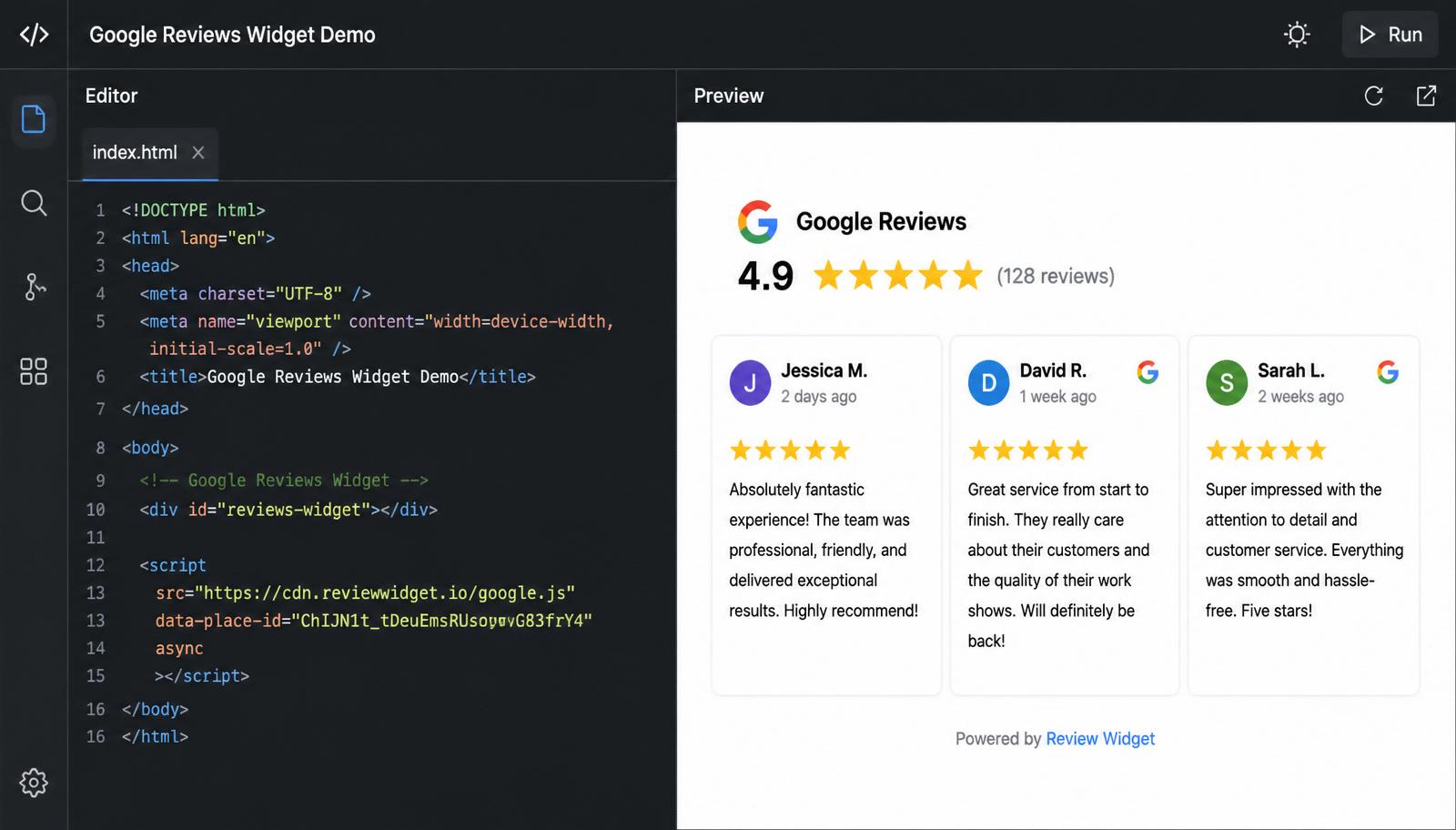
- Grab your Google Place ID from Google's Place ID Finder (search for your business name; the ID is the string starting with `ChIJ…`). This is what tells the widget which profile to pull from.
- Sign up for the widget tool and paste the Place ID into its onboarding. The tool authenticates with the Places API on its side, you do not need your own API key.
- Pick a layout. In our data, a 3-card horizontal carousel beat every grid layout on landing pages, while a static grid of 6 beat carousels on standalone reviews pages.
- Copy the two-line embed snippet (one `<script>` and one `<div id="…">`). Paste it directly above `</body>` on your site, or into a Custom HTML block if you are on Wix, Squarespace, Webflow or Shopify.
- Test in an incognito window on both mobile and desktop. Check the widget loads under 500ms in Chrome DevTools, and check the rendered HTML contains `itemtype="https://schema.org/Review"`, that is what earns you the SEO benefit.
Three widget mistakes that quietly cost you money
- **Turning on the "only show 4+ star reviews" filter.** Every major widget offers this. Every consumer who has ever shopped online can smell it. Turning it on drops trust and (in 4 of our tests) drops conversion 6-9% versus showing the honest mix.
- **Embedding above the fold without lazy-loading the script.** Even a fast widget hurts LCP if it blocks render. Add `defer` to the script tag, or use the widget's native lazy-load option, every tool on the shortlist above supports one or the other.
- **Setting and forgetting.** A widget shows what your profile shows. If a competitor drops six fake 1-stars on you tomorrow, they appear on your homepage tomorrow. Pair the widget with an active Google review removal service so your embed always reflects a clean profile.
Widget vs building it yourself
For teams with a developer, the Google Places API is free up to 100 requests per day and cheap after that. A custom widget cached at the CDN edge loads in around 40ms and gives you total control over the markup and schema. If you have a solid front-end team, build it, you will beat every off-the-shelf tool on speed and SEO. If you don't, pick one of the eight above and spend your time on the ask flow instead. Widget choice matters far less than how many qualified review asks you send each week.
For teams that want the whole reputation engine, a fresh, honest review pool, a widget that reflects it in real time, and a defence layer against fake 1-stars, that is exactly what our managed Buy Google Reviews service is built for. Every review comes from a real, aged, geo-relevant account and posts on a cadence your profile can absorb, so what your widget shows tomorrow is worth showing.
Q.Do Google review widgets help SEO?
Only if they render Review schema in the HTML your visitors receive. Widgets that inject reviews client-side with no schema give you zero rich-snippet benefit, Google's crawler sees an empty div. Every widget on the shortlist above outputs schema.org/Review markup by default; verify with View Source or the Rich Results Test after install.
Q.Is it against Google policy to embed reviews from Google on my site?
No. Google explicitly allows embedding via the Places API, which is what every reputable widget uses under the hood. What is against policy is scraping reviews without the API, altering the review text, or filtering ratings in a way that misleads consumers.
Q.Will a widget slow my website down?
A good widget loads in under 300ms and defers until below-the-fold render, adding no meaningful weight to Core Web Vitals. A bad widget loads jQuery, three tracking scripts, and 12 avatar images, adding 1-2 seconds to LCP. Test in Chrome DevTools' Performance tab before you commit, if the widget adds more than 200ms to LCP, replace it.
Q.Can I show only my best reviews on the widget?
Technically most widgets let you. Practically, don't. Consumers detect filtered review pools quickly and trust drops. Show every review honestly and use the widget's design (bigger cards for detailed reviews, a real star average) to let the good ones do the heavy lifting.