The email always arrives on a Sunday. "Your Business Profile has been suspended." No specific reason, no phone number, no obvious path back. Your listing vanishes from Google Maps, calls dry up on Monday, and whichever competitor was second in the local pack is now first.
We run this appeal process for BGR Review clients around 20-30 times a month. About 60% of first-time DIY appeals get rejected, not because the business did anything wrong, but because the appeal was written and evidenced in a way Google's Trust & Safety team could not action. Here is the version of the workflow that actually works in 2026, in the exact order.
First: what kind of suspension is this?
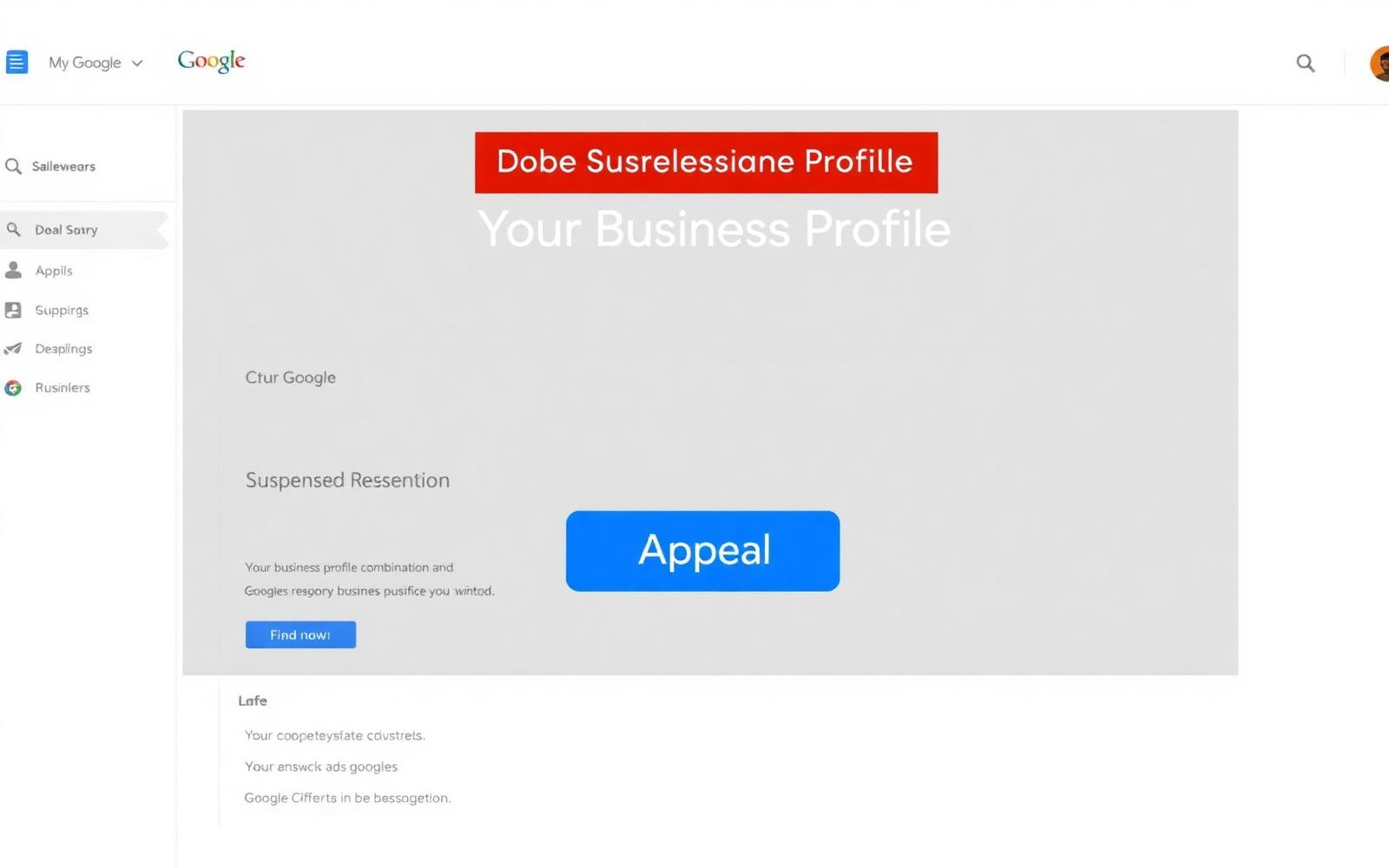
Google has two suspension states, and they need very different responses. Confirm which one you have before writing a single word of an appeal:
- **Soft suspension.** The profile still appears in search, but you have lost editing access in the dashboard. Usually triggered by a recent edit Google flagged, a category change, an address change, a title that looks like keyword stuffing. Appeal is fast, often 2-4 days.
- **Hard suspension.** The profile is removed entirely from Google Maps and Search. Only you can see the dashboard shell. Usually triggered by a policy violation, a competitor mass-flag, or a verification signal mismatch. Appeal is longer, 5-14 days, sometimes 30, and needs full evidence.
Why Google actually suspends profiles in 2026
From the ~250 client suspensions we have worked through in the last 18 months, the real causes cluster into eight categories. Google's suspension email never tells you which, but knowing the category shapes the appeal completely.
- **Business name stuffing**, adding keywords, locations, or descriptors to the registered name (e.g. "Joe's Plumbing, Emergency 24/7 Chicago"). Now the #1 cause of hard suspensions in 2026.
- **Address issues**, a service-area business showing an address, a virtual office that Google's Street View database flags as a mail-forwarding location, or an address that does not match your registered business documents.
- **Category mismatch**, a category you selected that Google's system does not think matches what you actually do based on your website and photos.
- **Ineligible business type**, some categories require verification Google no longer offers to third parties (lead-gen sites, some financial services, some healthcare setups).
- **Duplicate listings**, you or a previous employee created a second listing for the same location without merging.
- **Competitor mass-flag**, a competitor or malicious actor reported the profile enough times to trigger an automated review.
- **Recent suspicious edit**, a change made in a burst (address, name, category, and website all edited within 24 hours) looks to Google's system like an account takeover.
- **Review manipulation**, buying reviews from low-quality accounts that got mass-filtered. This is different from working with a service that uses real aged accounts; the difference is the whole reason our managed Google review growth service is priced pay-after-delivery.
The appeal workflow that works
Step 1: Fix the underlying issue first
Appealing a suspension without fixing what triggered it just gets you re-suspended within a week. Before you touch the appeal form, walk your profile top to bottom and confirm: real registered business name (no keywords or locations), address matches your business documents exactly, primary category is the tightest genuine fit, no duplicate listings elsewhere on the account, no recent reviews that look mass-purchased. Screenshot the corrected profile, you will need it for the appeal.
Step 2: Gather the four documents Google expects
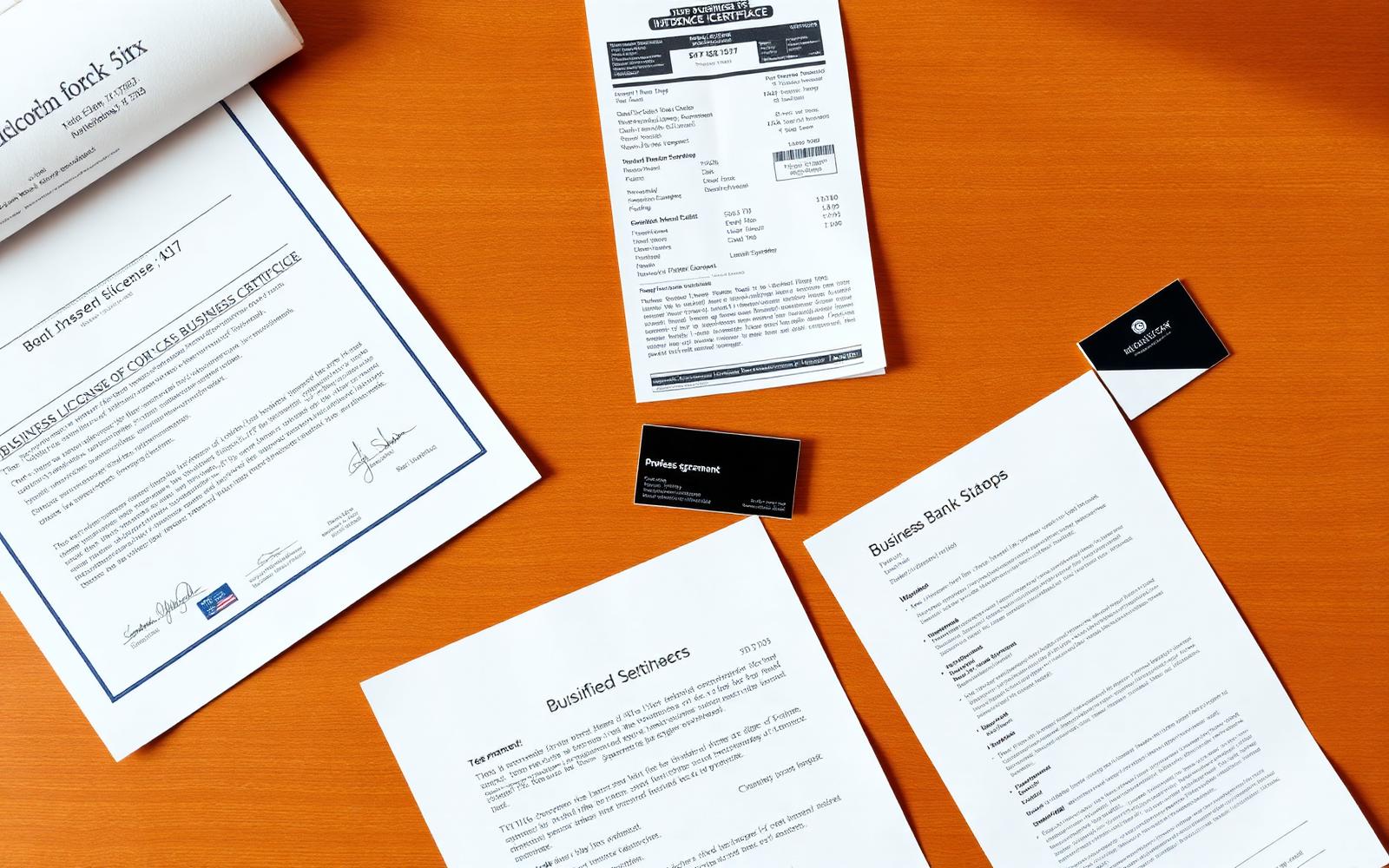
Every reinstatement request should attach clear PDFs or high-resolution photos of:
- **Business licence or registration certificate.** The registered business name on the document must match your Google profile name exactly.
- **A recent utility bill or lease agreement.** Dated within 3 months, business name and address visible, matching the profile.
- **A business bank statement or tax document.** With business name and address, transactions redacted if you prefer, Google only needs the letterhead.
- **One photo of the physical location.** Storefront with signage for a storefront business, or a photo of the service vehicle with company branding for a service-area business.
For service-area businesses (SABs), plumbers, electricians, movers, HVAC, Google now expects to see a branded service vehicle photo instead of a storefront. Plain sedans do not count. If you do not have one, wrap or magnet-sign one vehicle before appealing.
Step 3: File through the correct channel
The right channel matters enormously. Filing in the wrong place adds 2-3 weeks. In 2026 there are three:
- **In-dashboard Appeal button.** For soft suspensions and most recent-edit hard suspensions. Go to business.google.com, open the suspended profile, click the red banner, click Appeal. Fastest path, 2-7 days.
- **The Business Redressal Form.** For hard suspensions where the dashboard Appeal button has already been used and rejected, or where you are appealing on behalf of a client. Located in Google's help center under "reinstatement request".
- **Google Business Profile Twitter/X support (@GoogleMyBiz).** For appeals that have stalled beyond 14 days. Post a public request tagging the account and referencing your case number. Response rate is higher than most owners expect.
Step 4: Write the appeal itself
The appeal text is where most DIY attempts fail. Google's Trust & Safety reviewer has 60-90 seconds per case. Long, emotional, or defensive appeals get rejected. The format that works:
- **Line 1:** The business name and address as it appears on the profile.
- **Line 2:** One sentence stating this is a legitimate, operating business, never argue Google is wrong.
- **Lines 3-5:** What you have already fixed on the profile, in bullet form (name updated to registered name, category changed to X, duplicate listing at Y address merged).
- **Line 6:** List the attached documents by name.
- **Line 7:** A single sentence request to reinstate the profile. Sign with your name and role.
Under 150 words total. No apologies for things Google did not accuse you of. No accusations of competitor sabotage even if you are certain, Google's team does not investigate other businesses inside your appeal.
Step 5: Wait, then follow up once
Do not submit the same appeal twice. Duplicate appeals get de-prioritised and can extend the review time. If you have heard nothing after 10 business days, submit a single follow-up through the same channel referencing your case number and adding any evidence you have gathered since. One follow-up, not five.
What to do while suspended
You are not powerless during the appeal window. Three things worth doing:
- **Turn on paid Google Ads with a location extension pointing to your website.** You still show up as an ad, and the ad extension keeps your name and phone visible in the local area.
- **Update your website's homepage with the phone number front and centre**, plus a note about "call for fastest service". Direct traffic replaces some of the Maps traffic you have lost.
- **Email your recent customers.** Do not mention the suspension, just ask if they know anyone who needs your service this month. Referrals close the revenue gap while the appeal is running.
If the appeal is rejected
First rejections are common, usually a signal you were missing one of the four documents or the fix was not clear enough. Second appeals with better evidence succeed about 45% of the time. If you are on your second rejection, the pattern usually needs a different approach: escalating via the Twitter/X channel, or going through a Google Product Expert (independent volunteers with escalation privileges, post in the Google Business Profile community forum and be specific).
If the suspension was triggered by review manipulation (yours or a competitor's), the appeal alone is not enough, you also need to clean the reviews. Our dispute a Google review guide covers the flagging path, and our pay-after-success review removal service handles it end to end for cases where the reviews clearly violate policy.
How to make sure it never happens again
- **Never edit the business name to add anything other than your registered name.** This is the single most common re-suspension trigger.
- **Never make more than one major profile edit per week.** Bursts of edits look like account takeovers to Google's system.
- **Never buy reviews from anyone who will not tell you where the accounts come from.** Reviews from real, geo-relevant, aged accounts are fine, anonymous mass-review accounts are not.
- **Never delete a review by asking the customer, then flagging it, then asking again.** That coordination pattern is a suspension trigger of its own.
- **Keep a folder of your four verification documents on hand.** Suspensions rarely give you time to hunt for your lease when the appeal window opens.
Q.How long does a Google Business Profile suspension appeal take in 2026?
Soft suspensions: 2-7 days. Hard suspensions with complete documentation: 5-14 days. Contested cases can run 30 days or longer, especially if a second appeal is needed. The single biggest factor is how complete your first appeal was, half-appeals stretch the timeline dramatically.
Q.Will I lose all my reviews if my profile is suspended?
No. Reviews are attached to the profile permanently and reappear when the profile is reinstated. Do not create a new profile hoping to start fresh, you will lose the review history and Google will likely link the new profile to the old one anyway.
Q.Can a competitor get my profile suspended by mass-flagging it?
It happens, but it is rarer than owners assume. A single flag does not trigger anything, coordinated flags from many accounts within a short window can trigger a manual review. If your profile was operating fine and suddenly suspended with no recent edits, this is one of the possible causes; the appeal path is the same, with a note that no recent changes were made.
Q.Does having my profile suspended hurt my long-term ranking?
A single, properly-reinstated suspension does not permanently affect ranking. Ranking recovers to its previous level within 30-60 days after reinstatement in almost every case we have tracked. Repeated suspensions on the same profile, however, do damage the underlying trust score and each subsequent appeal takes longer.
Q.Should I hire a reinstatement service?
For a first-time soft suspension, no, the DIY appeal is fast and the fix is usually obvious. For a hard suspension on a high-revenue location, a reputable local SEO consultant or reputation-management firm often pays for itself by shortening the downtime. Avoid anyone claiming a special hotline to Google, none exists.