I audit somewhere between 40 and 60 Google Business Profiles a month for BGR Review clients, and the pattern is almost always the same: the owner has been quietly grinding on the wrong three things for a year while the two levers that would actually move them into the local pack sit untouched. Google's local ranking system has shifted meaningfully in 2026, proximity is worth less than it was, review velocity and category precision are worth more, and a few 2019-era tactics now actively hurt.
This is the checklist I walk through on every audit, in the order I check it. Twelve points, ranked by what actually moves the map pack in 2026, plus what to skip.
How Google Maps ranking actually works in 2026
Google's own documentation still names three ranking factors, relevance, distance, and prominence. What has changed is the weighting. From what I have measured across client accounts in the first half of 2026:
- **Distance/proximity** used to be dominant. In 2026 it is still important, but it is now overridable by strong prominence signals, a highly-rated, well-established business three miles away now regularly outranks a mediocre one across the street.
- **Prominence**, driven by review count, review recency, review response rate, and brand mentions across the wider web, is the factor with the most room to move in your favour.
- **Relevance**, how well your primary category, services, and profile content match the query, is the fastest win for most clients and the one most often set incorrectly.
The 12-point audit checklist
1. Pick the tightest possible primary category
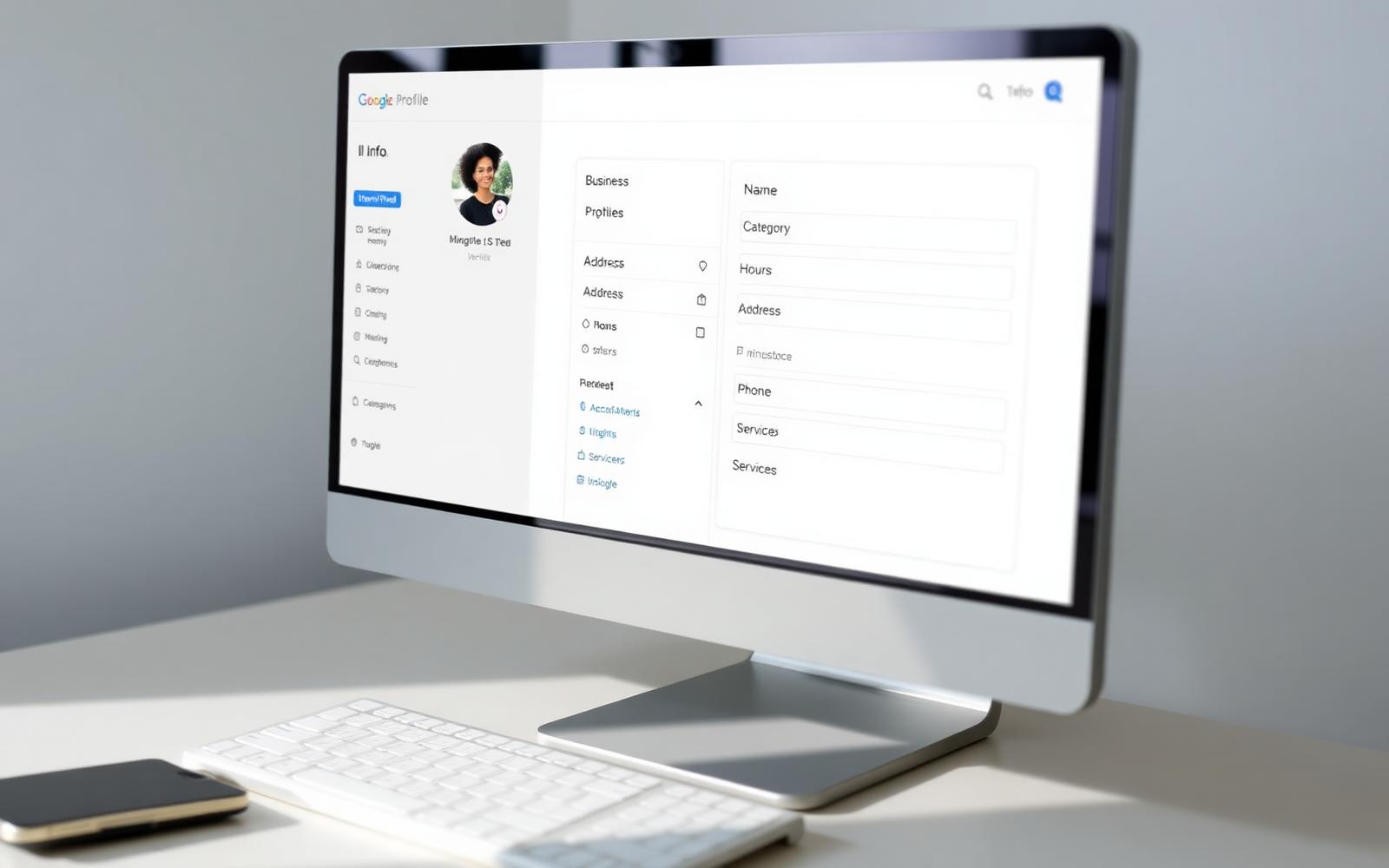
This is the single biggest lever. "Restaurant" competes with every restaurant in a 5-mile radius. "Ramen restaurant" or "Peruvian restaurant" competes with a much smaller pool for a query the customer actually typed. Your primary category should be the most specific option that genuinely describes your core offer. Use secondary categories for the other things you do, up to 9 is fine, but every one you add should match a service you actually deliver.
2. Verify the profile, including the video verification path
As of the 2025 Google Business Profile update, video verification is the default for most new listings in the US, UK, Australia, and India. Unverified listings are effectively invisible in the local pack. If your listing is stuck in "pending", do the video walk-through, a 60-second unbroken clip showing the exterior signage, your business licence, and any equipment or inventory the category implies. Our Google Business Profile 2026 update guide covers exactly what to film.
3. NAP consistency, name, address, phone, across the web
Google cross-references the name, address, and phone number on your profile against every citation of your business on the web, Yelp, Yellow Pages, industry directories, your own website's footer. Mismatches ("Suite 4" vs "Ste 4", old phone number on your Facebook page) send an ambiguity signal that suppresses your ranking. Audit and align in one week.
4. Review velocity, the single strongest prominence signal
In our client data, businesses that add reviews at a steady weekly pace outrank businesses with a higher total but no recent activity. Google's freshness weighting on reviews increased noticeably in 2026, a review from this week is worth more than one from 18 months ago. Ask every customer, every time; our how to ask customers for a Google review guide covers the compliant scripts.
5. Reply to every review within 48 hours
Reply rate is now an explicit ranking input. Profiles with a 60%+ reply rate within 48 hours outperform silent profiles across every category we audit. Use the frameworks in our reply to positive reviews and reply to negative reviews guides, the specific reply text matters less than the consistent cadence.
6. Fill out every services and products field
Services and products are indexed as ranking content. A dental profile that lists "emergency root canal", "same-day crown", and "paediatric dentistry" as individual services will surface for those exact queries in a way that a profile with just the primary category won't. Add every service you offer, with a 1-2 sentence description on each. This is a two-hour job that materially moves rankings within 90 days.
7. Publish a Google post every week
Google posts do not directly move ranking, but profiles that publish weekly get 2-3x the click-through rate from the map pack in our data, and click-through is a downstream ranking signal. Keep posts short, a photo, 40-60 words, a genuine update (new menu item, seasonal offer, a project completed). Never keyword-stuff them; the 2026 filter penalises it.
8. Photos: 5 new ones per month, geotagged, from the phone at the business
Profiles that add fresh photos monthly rank higher than static ones. What matters more than most owners realise: Google reads the EXIF data on uploaded photos, and photos taken on-site (with location data intact) count as an implicit verification signal. Do not download stock photos, upload them, and call it done. Have staff take the photos on their phones and upload straight from there.
9. Build 5-10 genuine local citations
Not the 1,000-directory citation blasts from 2015, those actively hurt in 2026. What still works: chamber of commerce, local business associations, industry-specific directories that a real customer might use, and one or two well-regarded local publications. Ten strong local citations beat a hundred generic ones.
10. Website: fast, mobile-first, and links back to the profile
Your website is a ranking input for your Business Profile. Two things matter most: mobile Core Web Vitals in the green (Google's PageSpeed Insights will tell you), and a location page on the site with schema markup, embedded Google map, and the exact same NAP as the profile. Multi-location businesses need one page per location, a single "Locations" page listing them all does not perform.
11. Get on-topic backlinks, not any backlinks
Prominence signals now heavily weight the topical relevance of your backlinks. A single link from a genuine local food blog beats 30 from generic "business directories". Focus on: local news mentions, industry publications, partnerships with complementary businesses, and content worth linking to on your own site.
12. Track your ranking from real search locations, not your desk
Your own laptop shows you results biased by your own location, search history, and account. Use a grid-based rank tracker (Local Falcon, BrightLocal, PlacesScout) that pings your target keywords from a grid of coordinates across your service area. That is the only way to see where you actually rank, and to prove the audit worked in 90 days.
Three things to stop doing in 2026
- **Stuffing keywords into your business name.** "Joe's Plumbing, Emergency Plumber 24/7 Best in Chicago" is a policy violation. Google's 2026 filter now demotes profiles that do it and, at scale, suspends them. Use your real registered business name only.
- **Running 1,000-directory citation blasts.** They flood your NAP data with inconsistencies from low-quality sources, and Google's local index now weights citation quality much more than volume. Ten strong beats a thousand weak.
- **Buying reviews from random overseas accounts.** The 2026 review filter catches these in weeks and can suspend the whole profile. If you need to grow review volume faster than organic asks allow, do it through a service that uses real, geo-relevant, aged accounts, that is exactly what our managed Google review growth service is built for, and it is priced pay-after-delivery so you never wear the platform risk.
What order to actually do this in
- **Week 1:** Fix category, verify the profile, align NAP everywhere. This is the foundation, nothing else compounds until this is done.
- **Week 2:** Fill out every services and products field, add 10 fresh geotagged photos, publish your first Google post.
- **Weeks 3-4:** Set up automated review requests (SMS + email) triggered 20 hours after visit. Reply to every existing review, oldest first, using the frameworks linked above.
- **Weeks 5-12:** Weekly Google posts, monthly photo drops, keep the review flywheel going, add 5-10 quality local citations.
- **Week 12:** Re-run your grid rank tracker. You should see measurable movement, usually 2-5 grid points on average across your target keywords. If not, the audit finds something specific; run it again.
If your review count is the specific gap holding the profile back, a new location, a rebrand, a competitor who quietly overtook you, that is the problem our managed Google review growth service is built for. And if you are dealing with a couple of fake or unfair 1-stars dragging the star average down while you work on volume, our pay-after-success review removal service handles the removal side end to end.
Q.How long does it take to see ranking movement in Google Maps?
The technical changes (category, NAP, services fields) start moving things in 2-4 weeks. The prominence-based changes (reviews, replies, citations) show their full effect around 8-12 weeks. Do not judge results before day 90.
Q.Does buying Google reviews actually help my ranking?
It depends entirely on how it is done. Reviews from real, geo-relevant, aged accounts that stick past Google's 2026 filter absolutely move ranking. Reviews from random overseas accounts that get filtered within weeks make it worse. This is why our service is priced pay-after-delivery.
Q.Should I add my city or service name to my business title on Google?
No. This was a common tactic pre-2020 and is now a policy violation Google actively demotes for. Use your real registered business name only. Location and service targeting is done through category, services fields, and posts, not the name.
Q.How many Google Business Profile categories should I use?
One primary (the most specific one that describes your core offer) and 2-9 secondary categories matching services you actually deliver. More is not better, adding categories for things you do not do dilutes your relevance signal.
Q.Do Google posts affect ranking?
Not directly, but they lift click-through from the map pack by 2-3x in our data, and click-through is a downstream ranking factor. Weekly, short, genuine posts, not keyword-stuffed ones, are the right cadence.