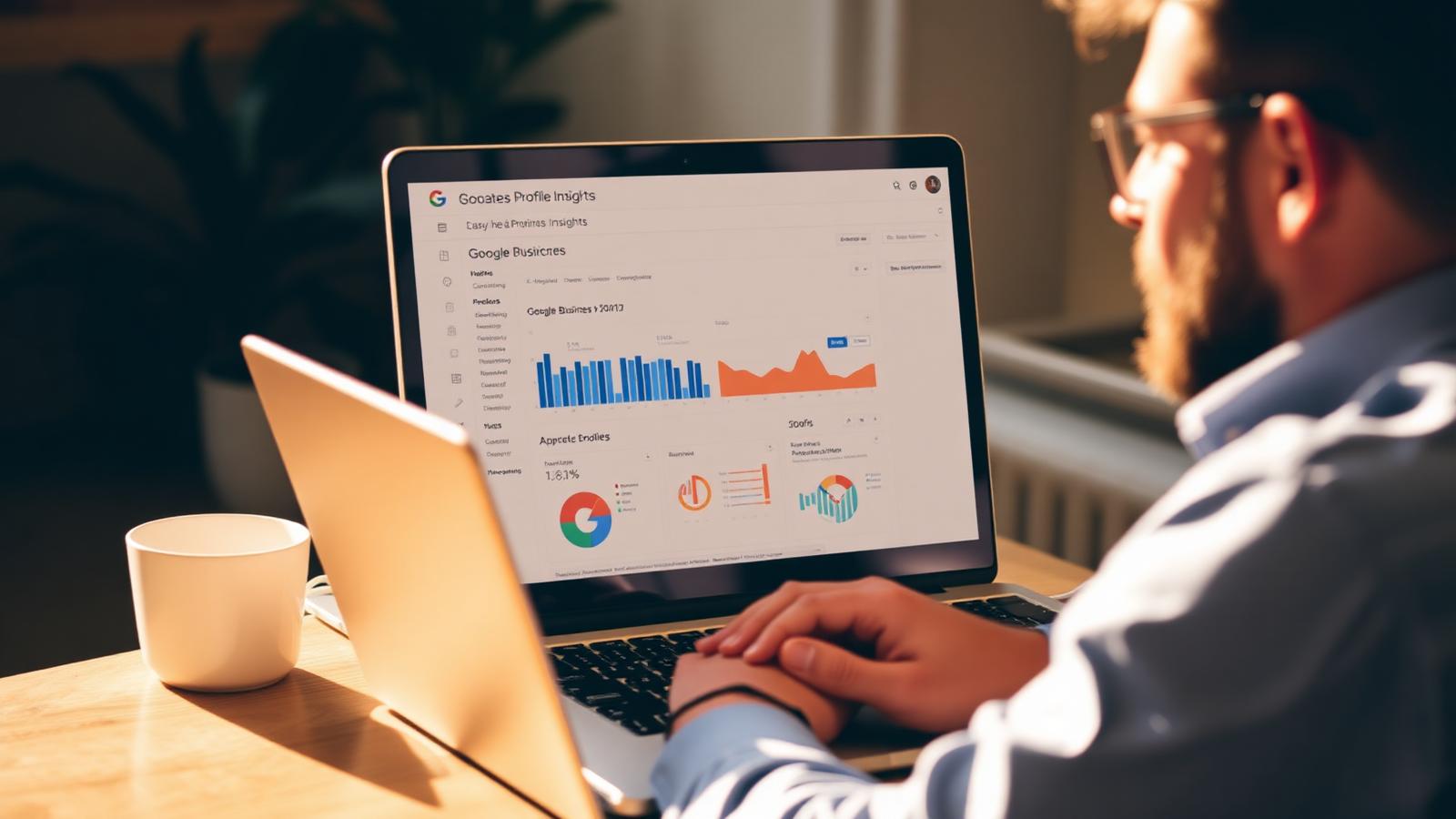
Google renamed "Insights" to "Performance" a while back, added a handful of new charts in 2026, and quietly deprecated the ones most owners still quote in meetings. The result: a dashboard full of numbers that look meaningful and mostly are not. Total views doubled? Great, and yet the phone did not ring once more this month.
After reading Performance across ~400 BGR Review client profiles, we track six metrics, and ignore the rest. These six are the ones that move in step with actual phone calls, direction requests, and revenue.
Where to find it in 2026
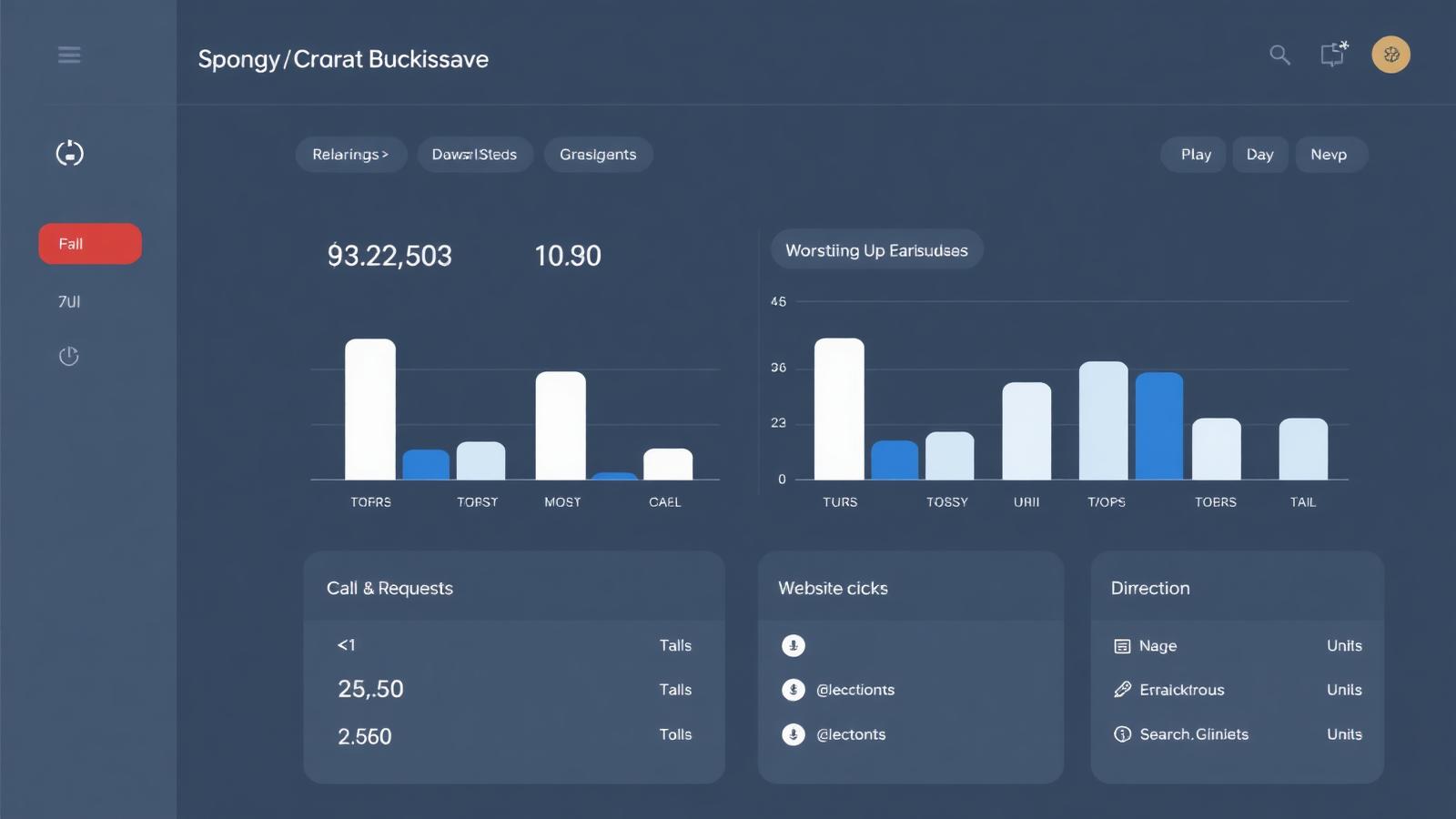
From your profile management screen (google.com/business or the three-dot menu on your own listing in Search), click **Performance**. Set the range to **6 months** by default, anything shorter is too noisy for a local business. Then compare month-over-month, not day-over-day. Daily numbers swing 30-50% for reasons no dashboard will explain.
The 6 metrics that actually matter
- **Calls.** The number of times someone tapped the call button. Direct revenue signal. Benchmark: a single-location service business should see calls climb 5-15% month-over-month for the first 6 months of active reputation work.
- **Direction requests.** Someone asked Google Maps to route them to you. Even stronger revenue signal for storefronts than calls. Benchmark: for a healthy storefront, direction requests should be within 30% of your total in-store transactions per week.
- **Website clicks.** Only meaningful if your website has a working conversion path. If it is a brochure site, treat this as a vanity metric.
- **Bookings / messages / menu views** (category-dependent). Highly predictive for restaurants, salons, and clinics. If Google shows this row for your category, it is one of your top 3 metrics.
- **Searches breakdown, Direct vs Discovery.** Direct = someone searched your name. Discovery = someone searched a category like "dentist near me" and you appeared. The Discovery share is the real local-SEO scoreboard. Benchmark: a healthy local business runs 55-75% Discovery, 25-45% Direct. If Direct is over 80%, you are only being found by people who already know you, the profile is not doing SEO work.
- **Top search queries.** The actual phrases people typed. Read them every month. They tell you which services to add, which categories to test, and which website pages to write.
What to ignore (or at least deprioritise)
- **Total views**, inflated by Maps-panning and now includes AI Overview surface impressions. Rises even when nothing else does.
- **Photo views**, Google shows your photos to everyone who looks at your listing. High photo views mean nothing without a conversion metric moving alongside.
- **Follower count**, a leftover from the deprecated Google Posts follower feature. Not meaningful.
- **Views by device / platform**, interesting for context, not for decisions. Don't optimise for it.
How to read the Searches tab like an SEO
The Searches tab is the most valuable and most underused screen in the entire dashboard. Google shows you the actual phrases people searched before your profile appeared in results. Here is how to use it:
- **Export the last 6 months.** Group phrases into 3 buckets: brand (your name and misspellings), category ("emergency plumber", "tow truck near me"), and modifier ("cheap", "open now", "24/7", city name).
- **Find category phrases you rank for but don't have on your website.** These are quick-win pages. Write one 400-word service page for each.
- **Find modifier phrases you get few impressions on.** "Open now" or "24/7" is often blocked by your hours being incomplete. "Same day" by a missing service field. Fix the profile, not the website, for these.
- **Watch for phrases outside your category.** If a physiotherapist keeps appearing for "sports massage near me", the primary category may need to change, or the secondary categories need widening.
The monthly 15-minute review
This is the exact routine we run for every managed client. Blocking 15 minutes on the first Monday of every month is enough:
- Open Performance, set range to last month vs the previous month.
- Write down 3 numbers: calls, direction requests, Discovery share.
- If any of the three fell more than 10%, check the Searches tab first, a fall almost always shows up as a specific query disappearing.
- Read the top 20 search queries. Note any new phrase that appeared in the top 20 for the first time.
- Fix one thing on the profile that a search query suggests (add a service, extend hours, add a photo tagged with the category).
- Log the numbers in a spreadsheet. After 6 months the trend is worth more than any single month's screenshot.
Frequently asked
Q.How far back does Google Business Profile Performance data go?
6 months in the dashboard UI as of 2026. If you need longer, export monthly and store it yourself, Google does not retain older raw data for you.
Q.Why did my views drop but calls stay the same?
Almost always because Google added more low-intent impressions to Views (AI Overviews, Maps browsing) that were never going to convert. If calls and direction requests are steady, ignore the view drop.
Q.Can I get Google Business Profile Performance data via API?
Yes, via the Business Profile Performance API, but only for verified managers of the profile. It returns the same metrics as the dashboard, just in JSON. Useful if you manage 10+ locations.
Q.What is a good number of calls per month for a local business?
Category-dependent, but a rough guide: a single-location service business (plumber, dentist, hairdresser) doing active review work should see 40-150 calls per month by month 6. Under 20 usually means the profile category or service area is wrong.
Q.Does replying to reviews show up in Performance?
Not directly, there is no "replies" metric in Performance. But replies feed the review-velocity ranking signal, which shows up indirectly as more Discovery searches over the following 60-90 days.
The dashboard rewards patience, not obsession. Check it once a month, act on one insight, and let the trend line tell you the truth. That is how you turn a Performance tab into a growth loop instead of a screenshot people show at meetings.