Verification used to be simple, Google mailed a postcard, you typed the code, you were live. In 2026 that path is gone for most new profiles. Google now offers a mix of video, postcard, phone, email, and Search Console verification, and which option you see depends entirely on your business category, address type, and account history. You do not get to choose freely.
We verify 40-60 client profiles a month at BGR Review, and around 40% of first attempts on video verification fail, almost always for reasons that have nothing to do with the business being fake. This is the exact process we use to get through on the first try, whichever method Google forces on you.
Step 1: See which options Google actually offers you
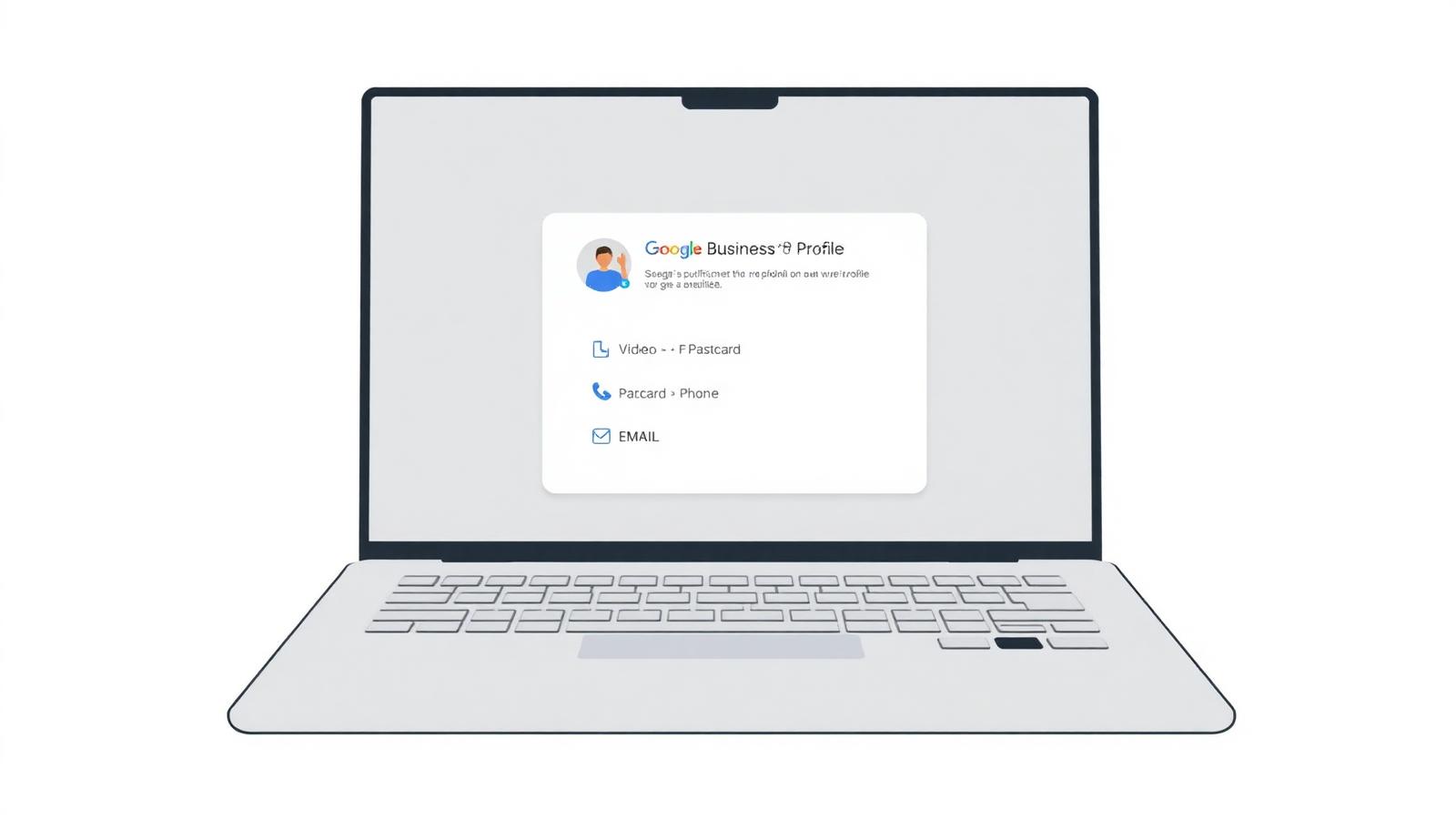
After you fill in the basic profile details, Google drops you at the verification screen. Screenshot it. The methods listed there are the only ones you can use for this profile. If video verification is the only option shown, no amount of clicking "try another way" will unlock a postcard, that decision is made by category and risk signals, not by you.
- **Video (self-recorded)**, most common in 2026 for service-area businesses, home-based businesses, and any high-abuse category (locksmiths, garage doors, tow trucks, plumbers). Record a single continuous walk-through, no cuts.
- **Video call (live)**, Google agent joins a scheduled call, you show the same evidence in real time. Offered mostly to storefronts flagged as complex or previously suspended.
- **Postcard**, still offered for straightforward storefronts with a clean address. 5-14 days by mail in the US/EU, longer elsewhere.
- **Phone / text**, a code sent to the business phone number on the listing. Only offered when Google is confident the number is truly associated with the business.
- **Email**, rare; only for businesses on domains Google already recognises (e.g. large chains, franchises).
- **Search Console**, instant, but only if the website domain is already verified in the same Google account.
Step 2: If it is video, pass it in one take
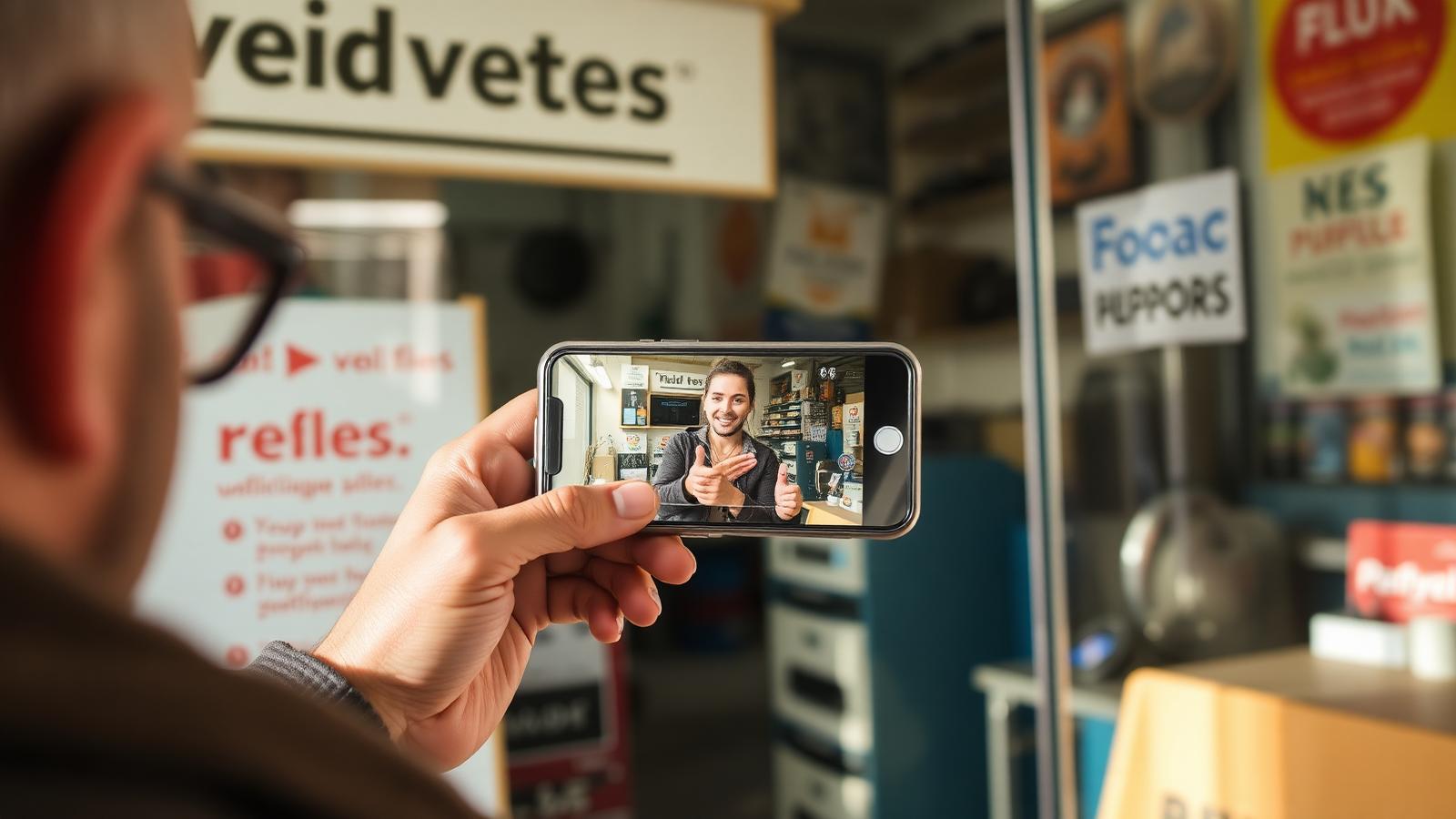
Video verification looks casual, record a 60-90 second clip on your phone, upload it. In practice, Google's reviewers are looking for four specific things in that clip and reject anything that misses one of them. Cover them in this order, in a single unbroken take:
- **Exterior signage with the business name visible**, ideally with the street or a landmark in frame. For service-area businesses with no storefront, show a branded vehicle, van, or equipment with the business name and licence plate.
- **Address proof.** A visible street number on the building, or a piece of mail (utility bill, tax notice) held next to the entrance. For home-based businesses, the front door number.
- **Interior of the working space**, the desk, the tools, the stock. It must look like a place work happens, not a staged photo.
- **Proof you manage the business.** Log into the point-of-sale, open the accounting software, unlock a back office door, or show a signed contract with your name. This is the step DIY attempts most often skip.
Record in landscape. Keep the camera moving slowly, do not cut, do not zoom in and out, do not narrate over the top. If you fluff a step, delete the file and start again. Google's automated first-pass reject is triggered by any sign of editing (frame gaps, timestamp jumps, resolution changes).
Step 3: If it is postcard, what to do while you wait
Postcards take 5-14 days in the US and EU, and roughly 15% never arrive at all, usually because the mail carrier does not have a mailbox at the exact address on file (common with new-build units, coworking spaces, and back-of-shop addresses). While you wait:
- Do not edit the profile. Any change to name, address, phone, or category resets the postcard clock and Google mails a new one.
- Do not sign out of the account. The verification code prompt only appears reliably in the account that requested the postcard.
- Do not add photos or posts until the code is entered. Adding heavy content pre-verification triggers spam checks and slows review.
- If day 14 passes with no postcard, request a new one from the dashboard, do not switch to a different method in the same session.
Step 4: When verification is rejected (it happens ~40% of the time)
A rejection email lands with almost no explanation. In our experience the real reason is almost always one of these five, in this order of frequency:
- **Address mismatch.** The address on the profile does not exactly match the address in Google Maps' basemap, or the address shown in the video. Fix the profile to match the basemap first, then re-verify.
- **No visible signage.** Common for home-based and service-area businesses. Add a printed vinyl sign to the door or a magnetic sign to a vehicle before re-recording.
- **Category conflict.** The category picked (e.g. "Locksmith") triggers Google's high-risk verification path, and the video did not show category-specific evidence (a locked door being opened, tools on a workbench). Match the video content to the category.
- **Owner not clearly the manager.** The person recording never showed themselves logging into a system or handling the business. Show the login, not just the tools.
- **Duplicate listing suspected.** Another profile at the same address is blocking yours. Search Maps for the address, find the duplicate, and use "Suggest an edit → Close or remove" on it before appealing.
Step 5: The reverification pitfall
Google reverifies existing profiles too, usually after: an address change, a name change, a category change, adding a second owner, or being flagged by a competitor. The dashboard shows a yellow banner and gives you 7 days before the profile is soft-suspended. Treat it as a fresh video verification, do not assume old evidence carries over. In 2026 the reverification path is stricter than the original one.
Frequently asked
Q.Can I verify a Google Business Profile without an address?
Yes, pick "I deliver goods and services to my customers" during setup, hide the address, and set a service area. You still need to complete video verification, and the video must show a branded workspace or vehicle even though the address is hidden from users.
Q.Can someone else record the video for me?
Yes, but the person in the video must show they manage the business (log into a system, open a back office). Google does not require it to be the account owner, only that a manager is on camera.
Q.How long does video verification take to review?
3-5 business days in 2026 for straightforward cases, up to 14 days for high-risk categories or previously suspended profiles. Live video call slots are usually available within 48 hours.
Q.Do I have to reverify if I move to a new address?
Yes. Any address change triggers a reverification, almost always via video in 2026. Update the address in the dashboard, then complete the new verification within 7 days to avoid soft suspension.
Q.Does verification affect my local ranking?
Verification itself does not rank you higher, but an unverified profile cannot appear in the local 3-pack at all. Verification is the entry ticket, not a ranking factor.
Once verified, do the boring things that keep the profile healthy: reply to reviews within 48 hours, post one Google Update per fortnight, and add three new photos a month. That combination is what keeps the trust signal high enough that future edits do not re-trigger verification.